

Where you edit the script
Edit script in the preview panel on the right is available on every path, whichever way you started. It lists the narration against the timestamps it lands on, and it is where the controls live.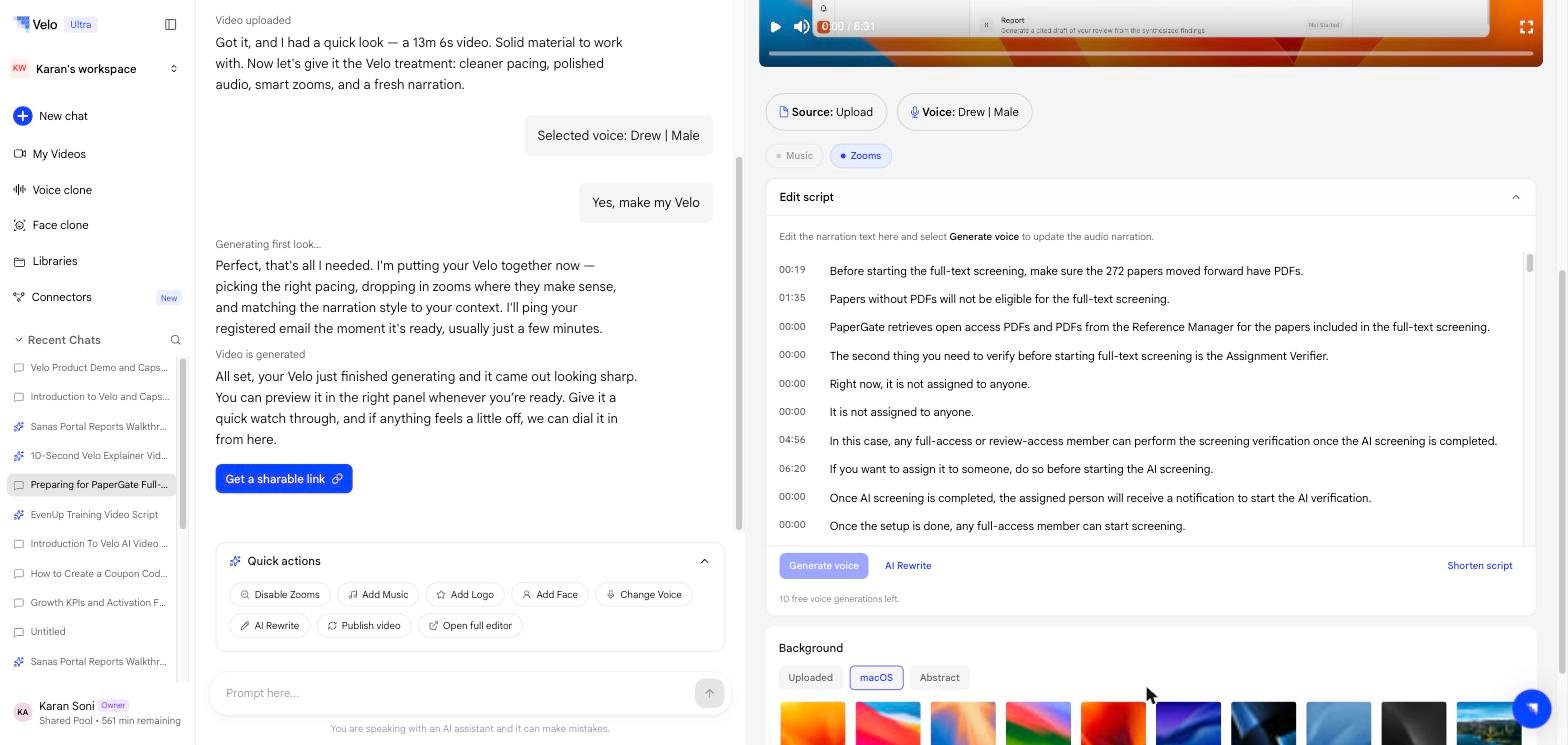
Scene cards
Three paths also show the script as scene cards in the conversation, because Velo is building the visuals as well as the narration: Screen recordings and uploaded videos do not get scene cards — Velo already has the visuals, so there are no scenes to plan.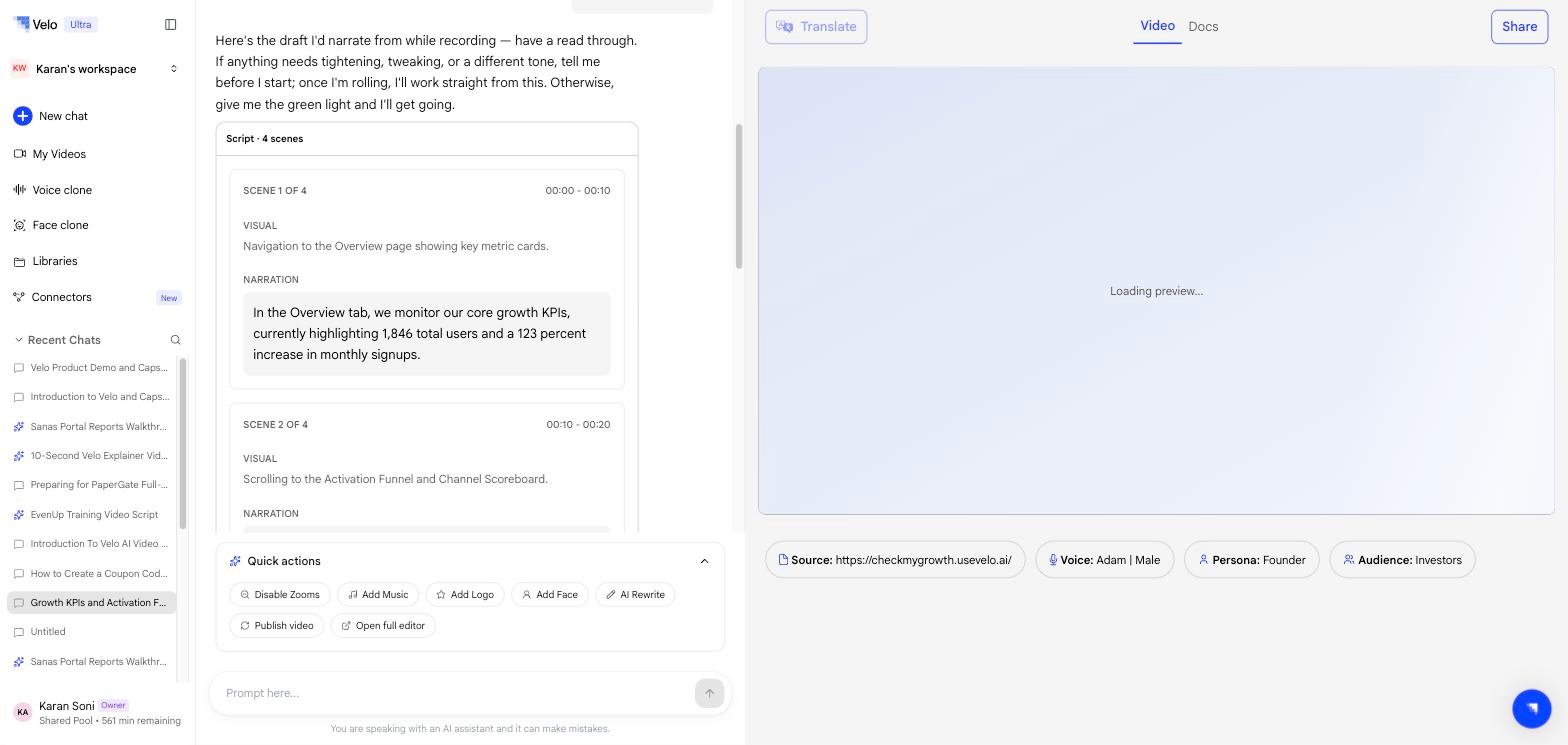
Scene cards are a planning view — they show what Velo intends to build. The Edit script panel remains available on these paths too, and is still where you regenerate the voice.
Changing the script
Three controls sit under the script itself:
AI Rewrite is also in the Quick actions menu below the conversation, alongside Disable Zooms, Add Music, Add Logo, Add Face, Change Voice, Publish video, and Open full editor.
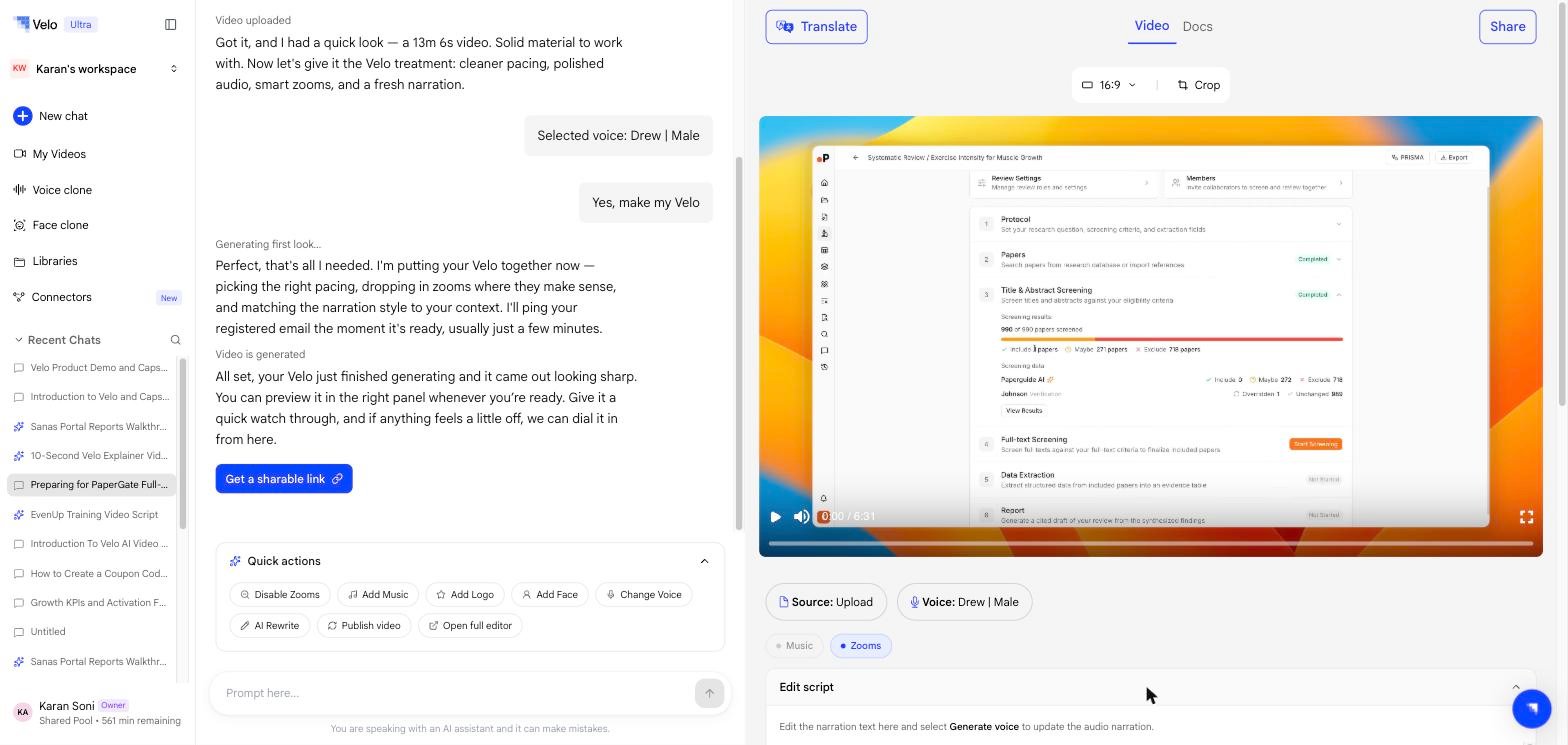
Voice generations are metered per video. The panel shows how many you have left, and switches to Free limit reached — upgrade to continue once they are used. See Plans & billing.