This page covers classic Velo minutes. Prompt to Video draws from a separate credit pool — see Prompt to Video billing & credits.
Plans tab
The Plans tab shows your current plan and the upgrade options available. Each plan includes a set number of Velo minutes, seats, and features. See the Pricing page for a full comparison.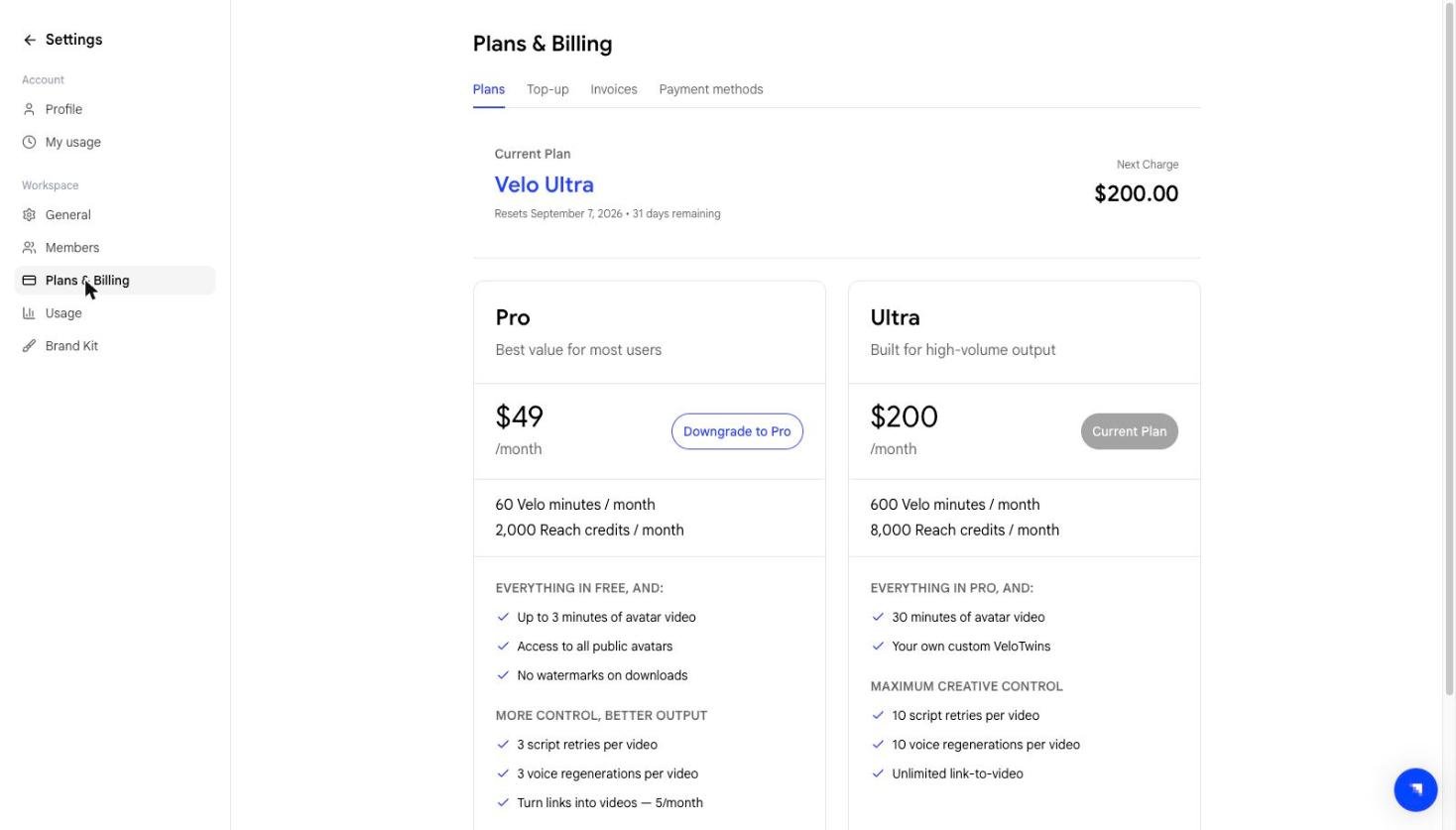
Top-up tab
If you run out before your cycle resets, you can buy more from the Top-up tab. It has two sub-tabs — Velo minutes and Reach credits — because the two pools are metered separately.Velo minutes
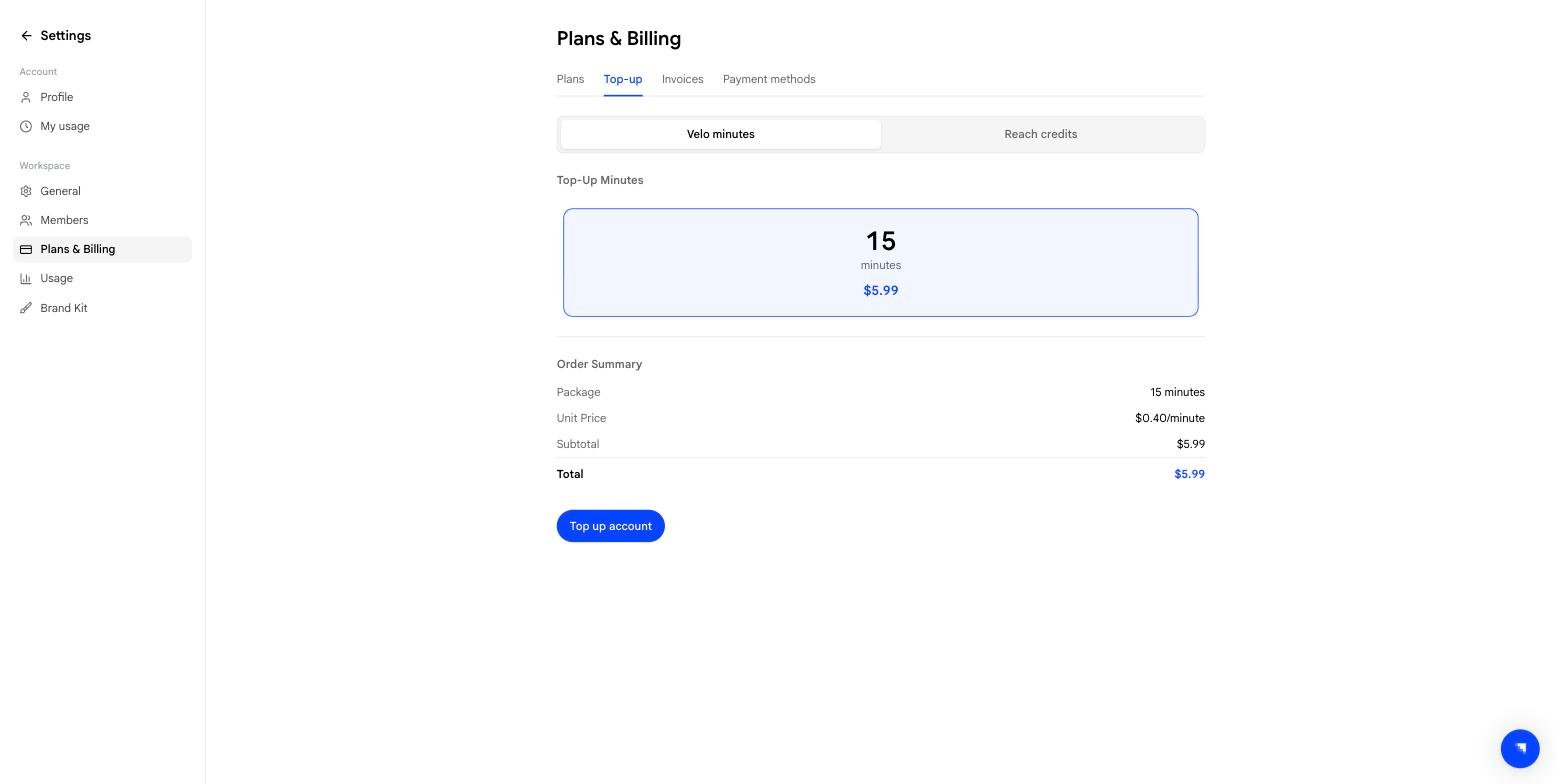
- 15 minutes for **0.40/min)
Reach credits
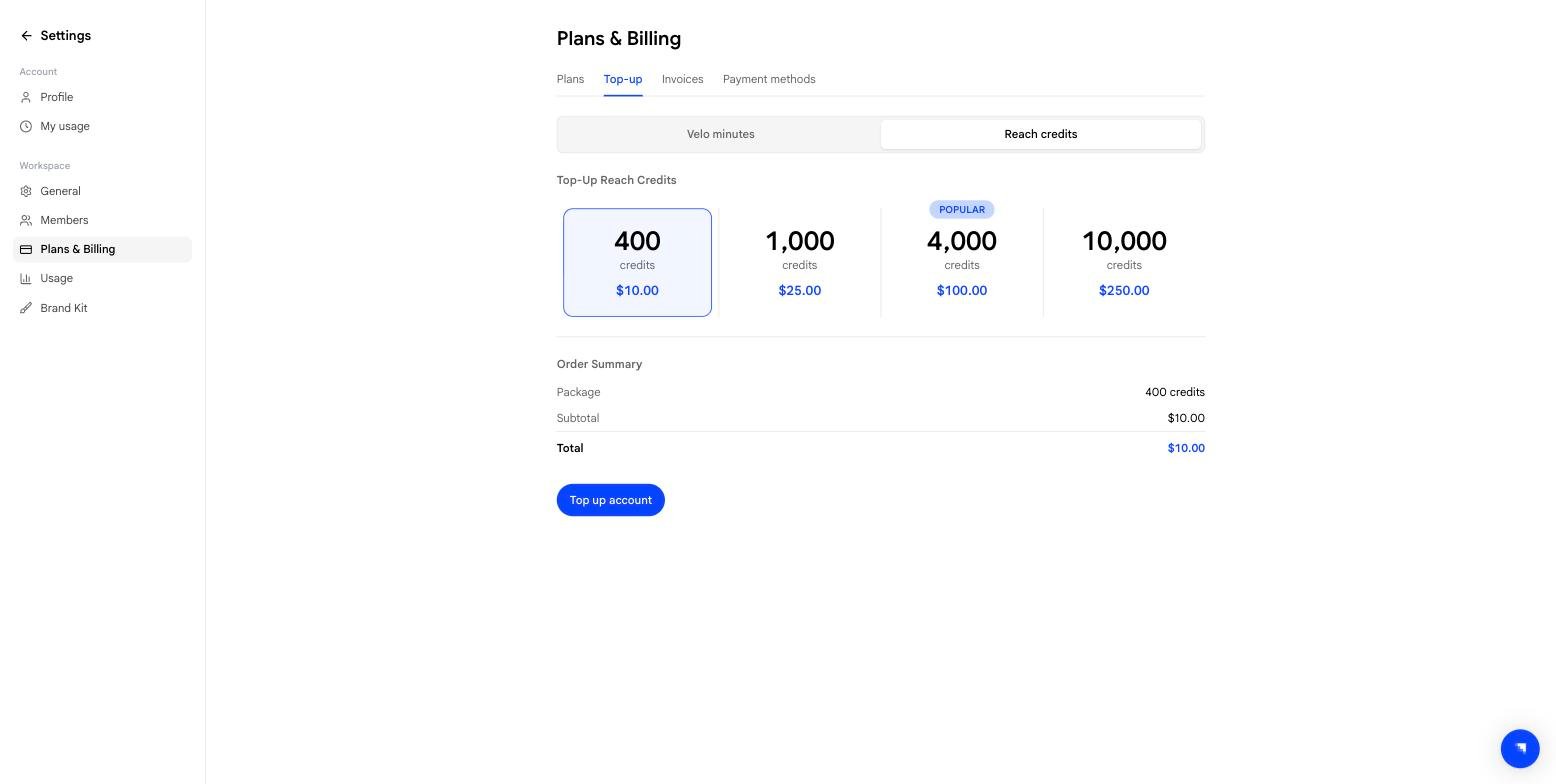
Credits for Prompt to Video, sold in four packs: