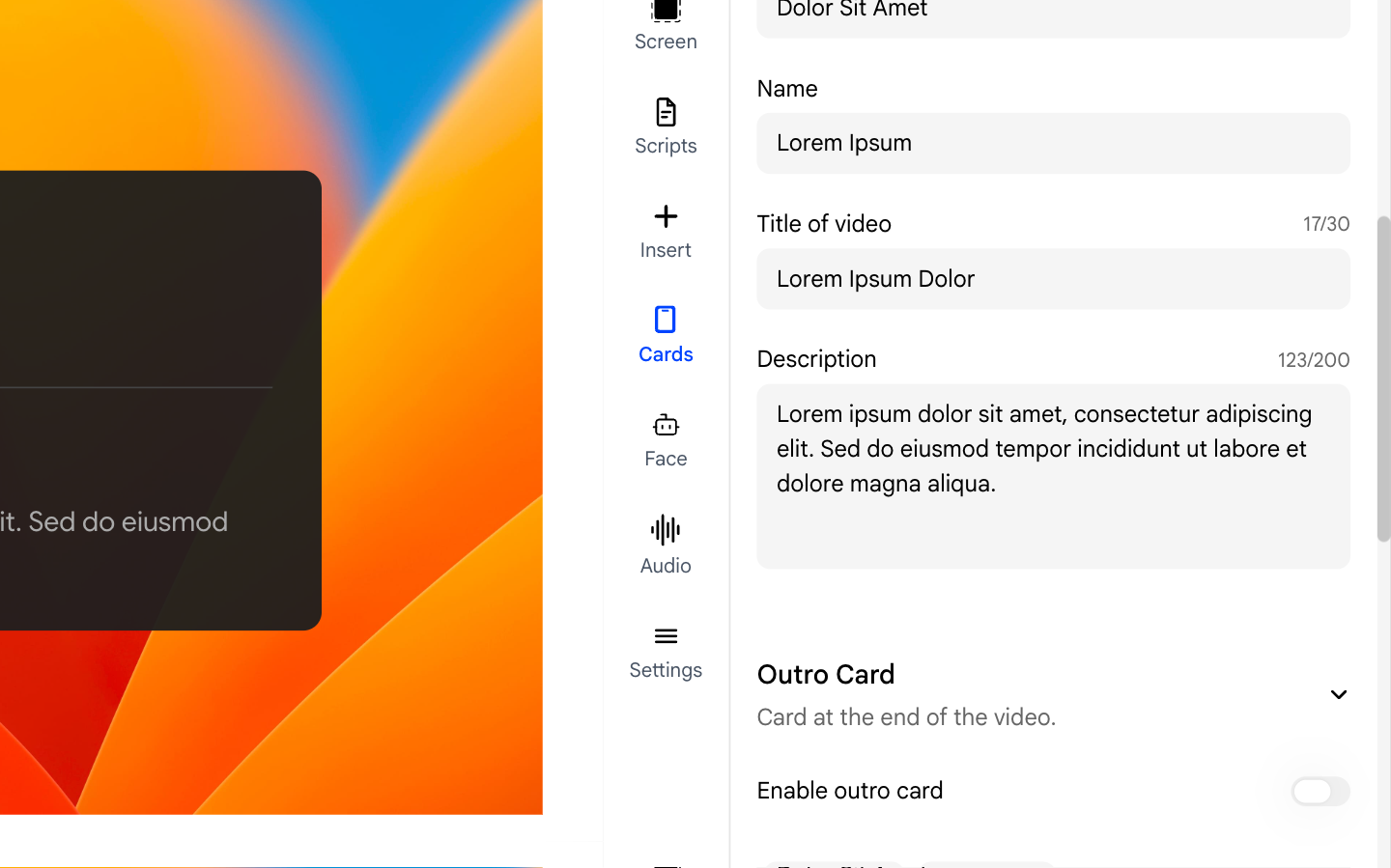
1. What Is the Intro Card?
The Intro Card is an optional title screen that plays at the very beginning of your video before it starts. It displays your name, role, and a brief description, giving viewers context about what they are about to watch.
2. Enabling the Intro Card
Open the Cards panel from the right sidebar. Toggle the Enable switch to turn the intro card on.- When enabled, a preview of the card appears in the panel so you can see how it will look.
- Toggle it off to remove the intro card without deleting your settings.
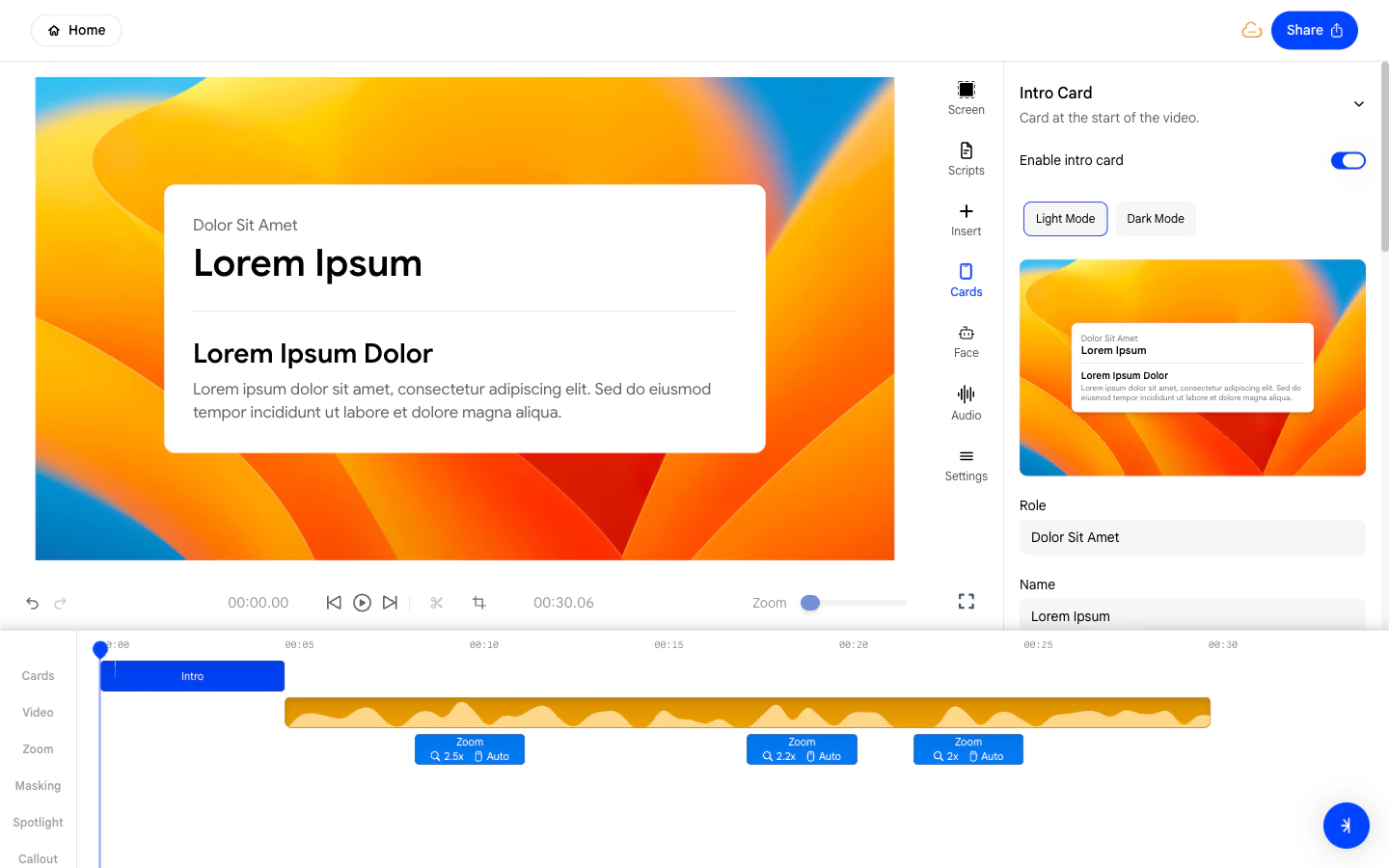
3. Switching Between Light and Dark Mode
Use the Light / Dark toggle to choose the visual style of the intro card.- Light - A bright white card with dark text, suitable for minimal presentations.
- Dark - A dark-background card with light text, suitable for modern or technical videos.
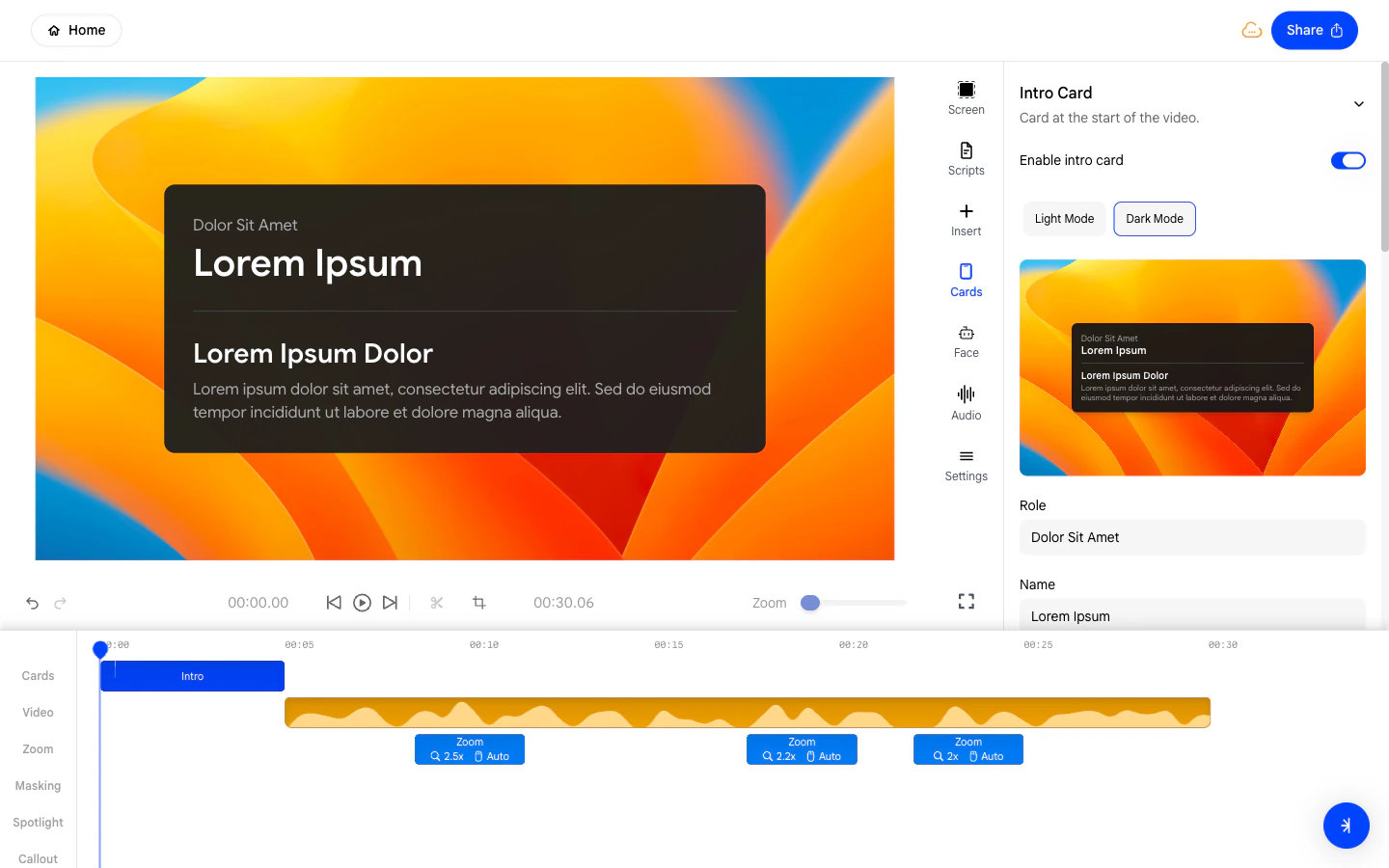
4. Setting Your Name and Role
Fill in the Name and Role fields to display your identity on the intro card.- Name - Your full name as you want it to appear to viewers.
- Role - Your job title or team, shown beneath your name.
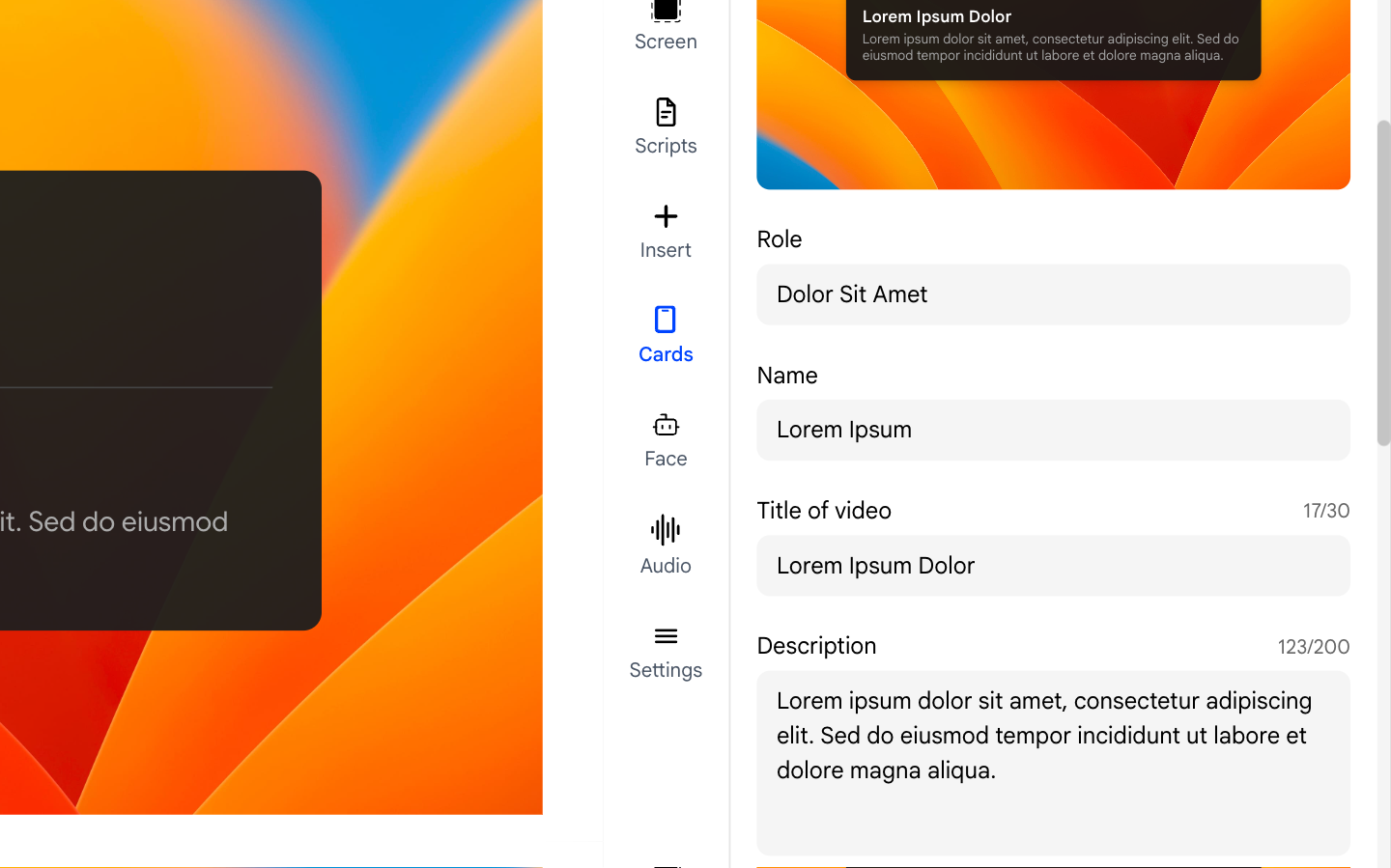
5. Adding a Title and Description
The intro card also supports a title and a short description:- Title of video - A headline for your video, up to 30 characters.
- Description - A short summary of what the video covers, up to 200 characters.