

Reset password
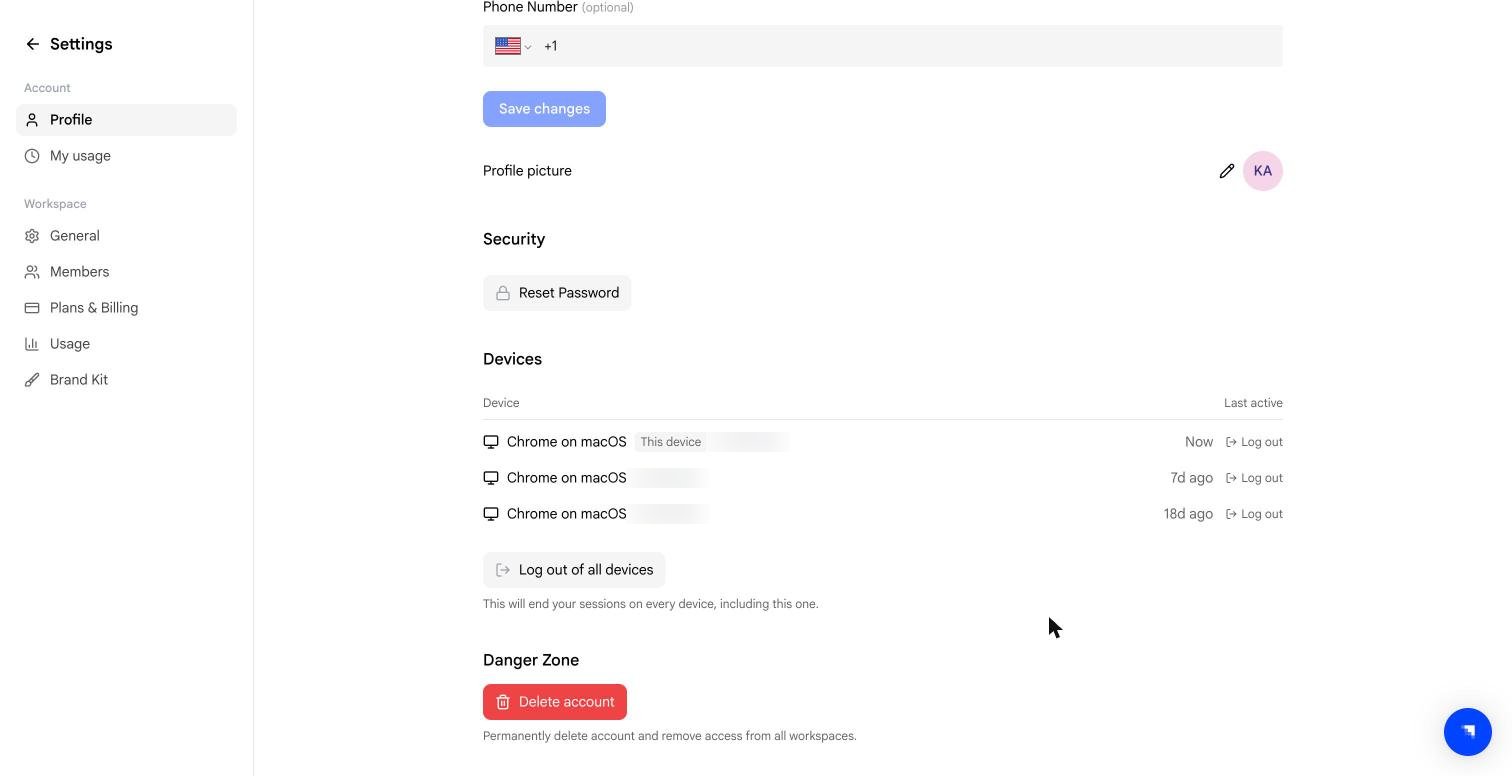
Select Reset Password to start a password reset. Velo sends a reset link to your registered email address.Devices
The Devices table lists every session currently signed in to your account:
Select Log out on any row to end that one session — useful if you recognise a device you no longer use.
Log out of all devices ends every session, including the one you are currently using, so you will be signed out immediately and need to sign in again. Reach for it if you think someone else has access to your account.
Signing out of a device does not affect the workspace or any videos in it. It only ends that browser session.