

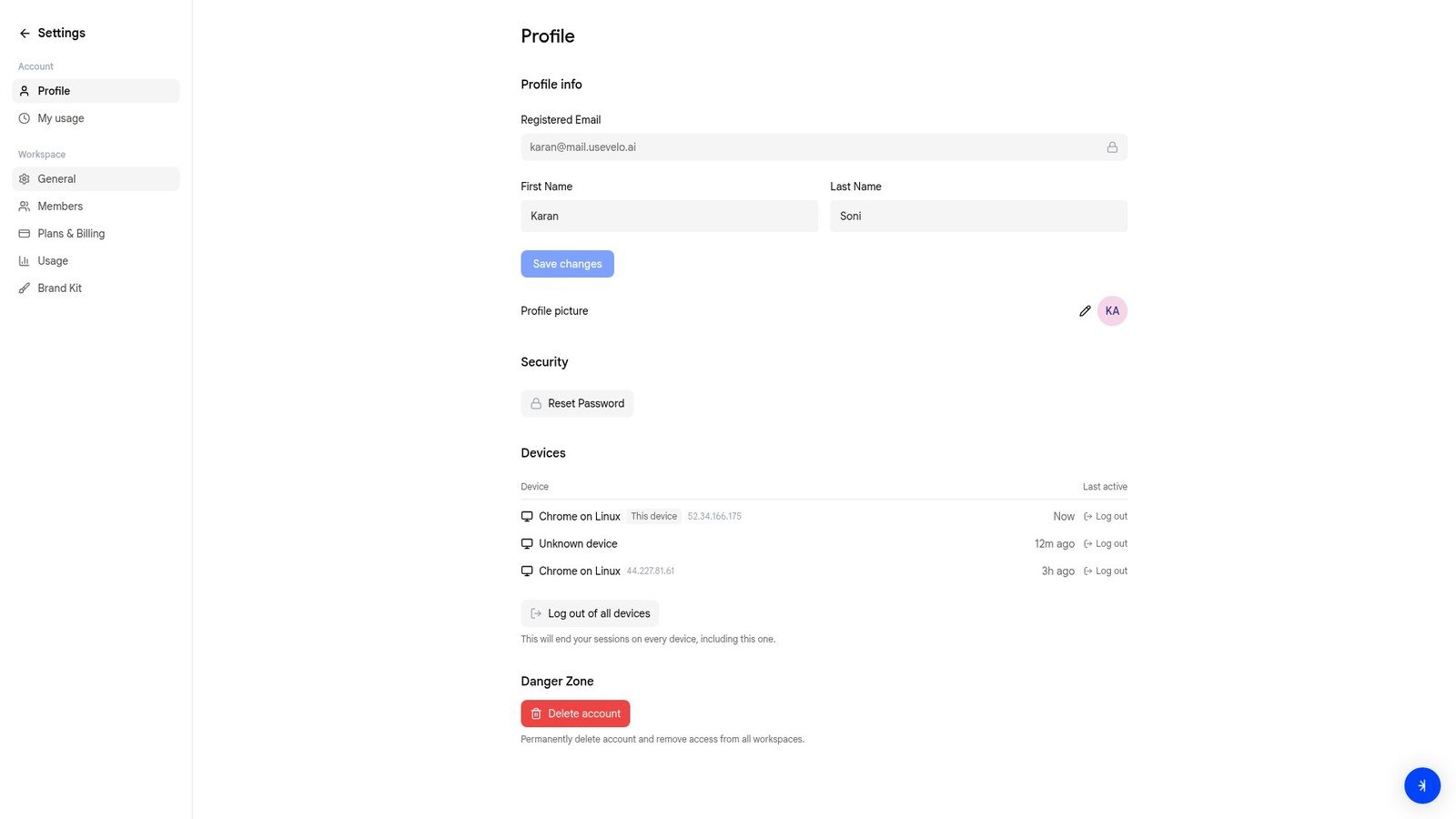
Profile info
Update your first name, last name, and profile picture. Your registered email is shown but cannot be changed from this page. Click Save changes after making edits.Security
Click Reset Password to change your account password. You’ll receive an email with a reset link.Devices
View all devices where your account is currently signed in. Each entry shows the browser, operating system, IP address, and last active time.- Log out — end a single device session
- Log out of all devices — end every session, including the one you’re currently using