VeloTwin is your AI presenter: a voice clone and a face clone. In the app they are set up separately — Voice clone and Face clone in the sidebar — and combined when you add a VeloTwin to a video.
Accessing the Face Clone Gallery
Step 1: Select Face clone from the left-hand navigation panel. Step 2: The dashboard is organized into three sections: Custom Faces you’ve created, Workspace Wide Faces a teammate has promoted for everyone to use, and Public Faces available to all workspaces. Select Create face clone to make a new one.
Sharing a face clone with your workspace
Any custom face clone you create can be promoted to Workspace Wide so every member of the workspace can use it — it will then appear under Workspace Wide Faces for all members.Capturing Your Image
Step 1: Enter a name for your new clone in the Name your face clone field. Step 2: Select Click picture. Step 3: When prompted by your browser, allow camera access to initialize the capture interface. Step 4: Align yourself within the frame and follow the on-screen countdown to take your photo.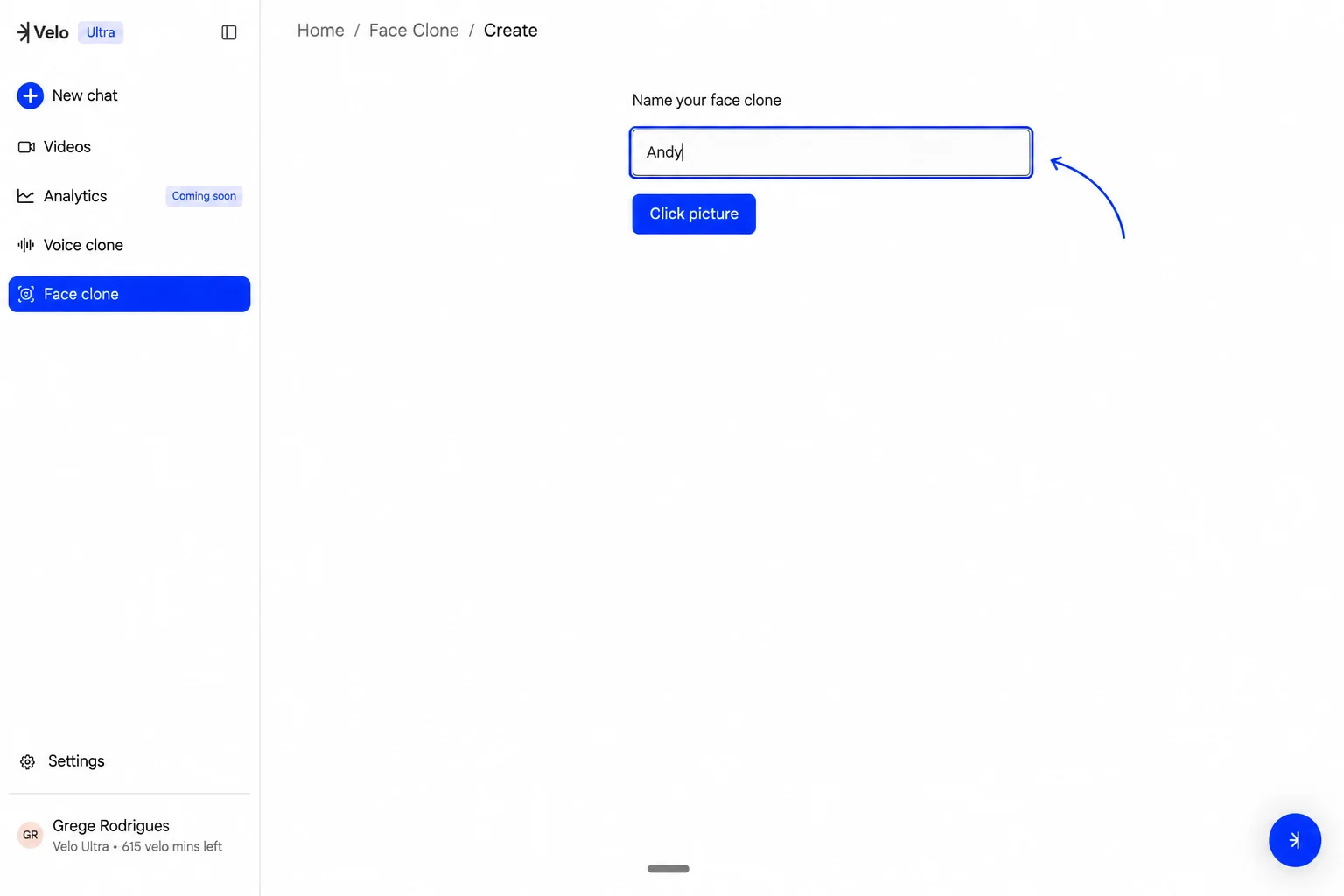
Customizing the Background
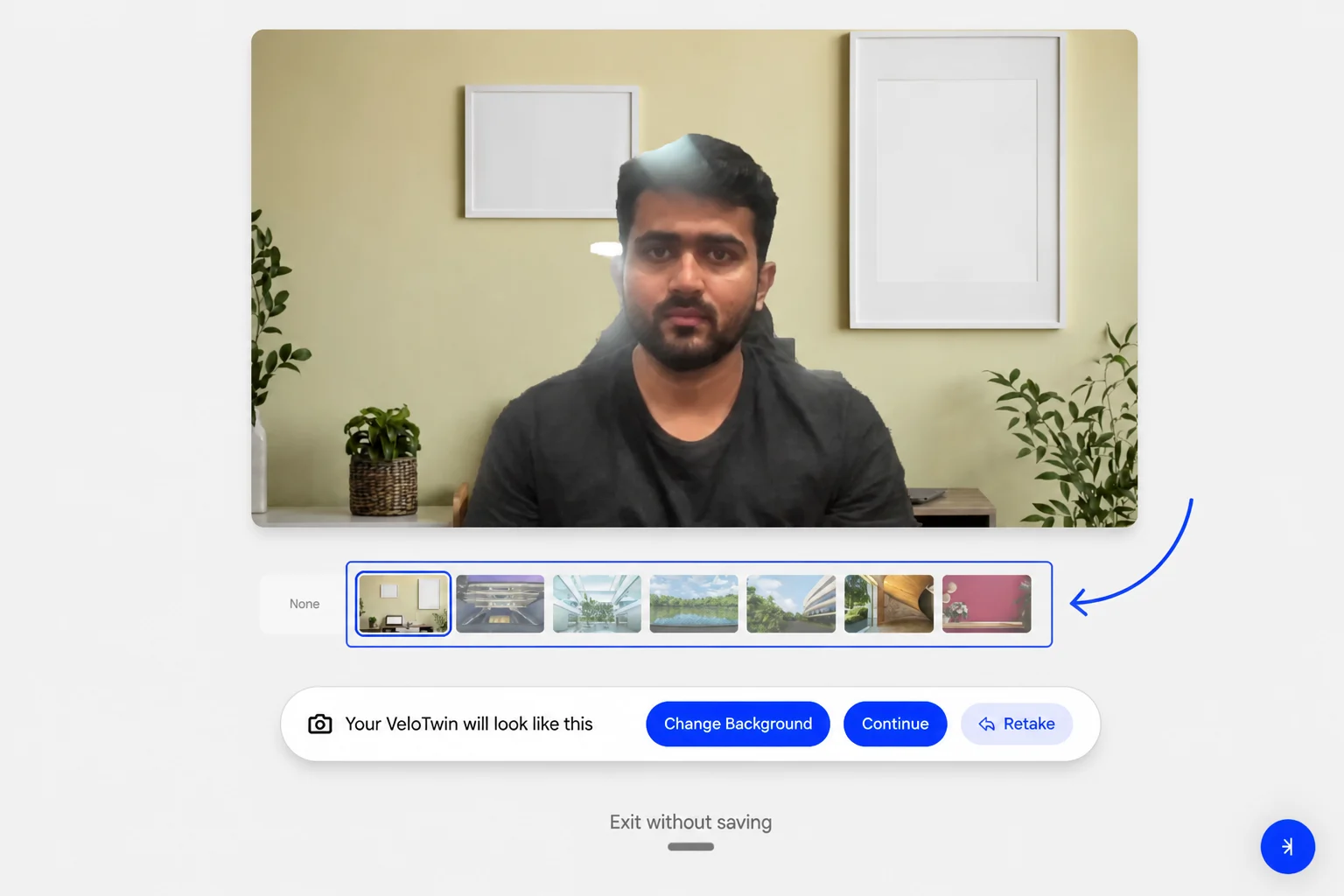
Once your picture is captured, the system provides several options to refine the look of your VeloTwin. You can browse through various environmental presets - such as an office setting, by selecting Change Background. If the initial capture isn’t ideal, select Retake to try again. When satisfied with the preview, select Continue to save the clone.