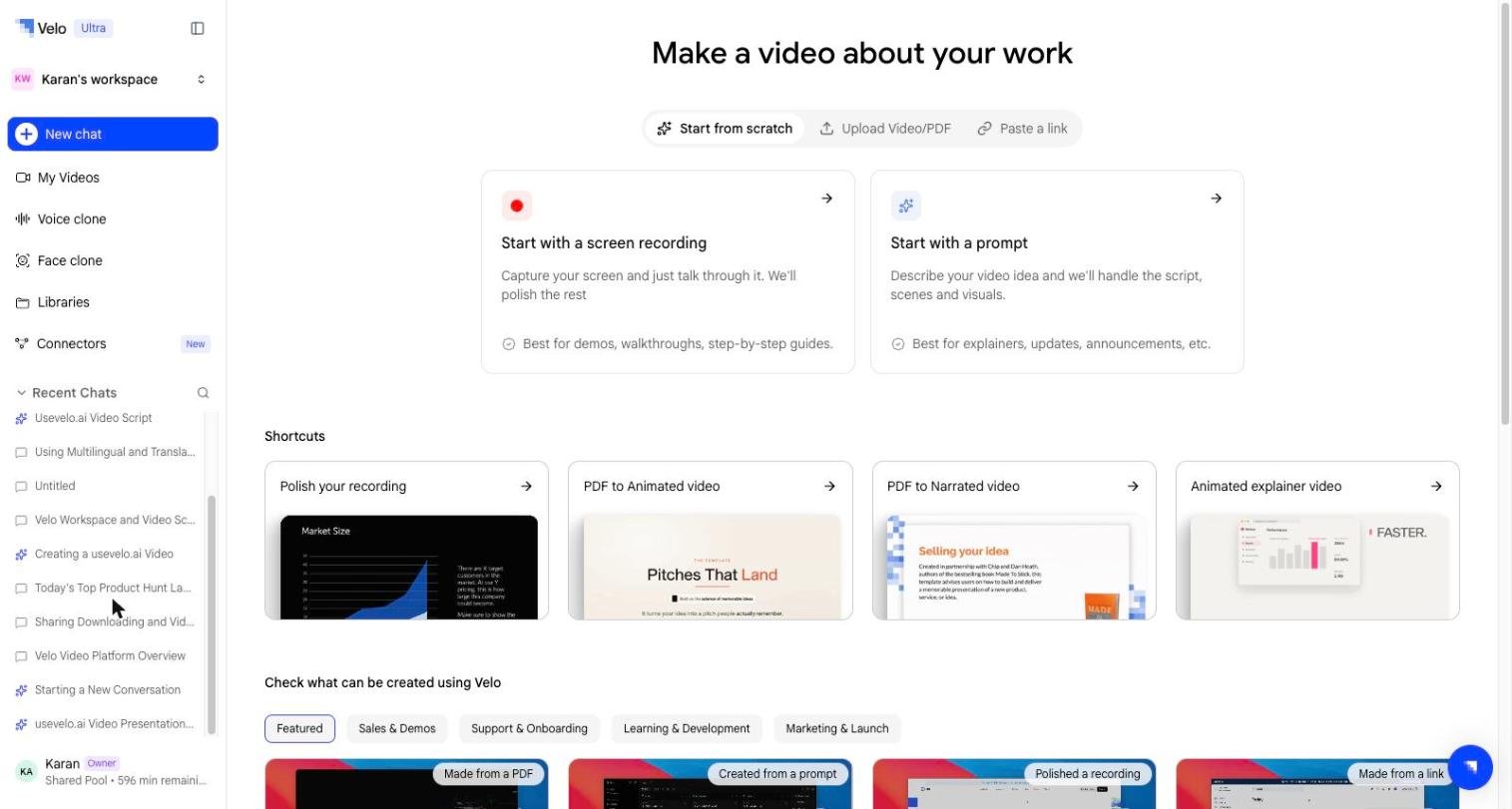
Velo provides three distinct paths for generating video messages, allowing you to choose the method that best fits your source material and technical requirements. Whether starting from a live screen, a pre-recorded file, or a web URL, the platform transitions raw content into a polished video message.
Scene 1
The Velo dashboard displays three primary creation options: Capture screen, Upload a recording or PDF, and Paste a link.

Direct Screen Capture
The Capture screen option is designed for users who need to record a specific tab, window, or their entire desktop on the fly. This method uses the Velo browser extension to facilitate the recording process. It’s the preferred choice when you don’t have a pre-existing video file and want to begin automated processing immediately after finishing a live demonstration.

Uploading Recordings and Documents

For users who already have produced content, Upload a recording or PDF offers a way to get media processed quickly. This method supports standard video formats including MP4 and MOV. Beyond video, this flow also supports uploading a PDF — specifically intended for sharing explanations of static documents such as pitch decks, PRDs, or project explainers. When a document is uploaded, the platform asks a few brief questions to help structure the resulting video message around the file’s content. Paste a Link lets you turn any live website or web app into a polished video. Paste the URL, walk through it once while narrating, and Velo’s browser agent takes care of the rest. It navigates your product and records the final video on its own, exactly as you scripted it.