

1. Adding Background Music to Your video
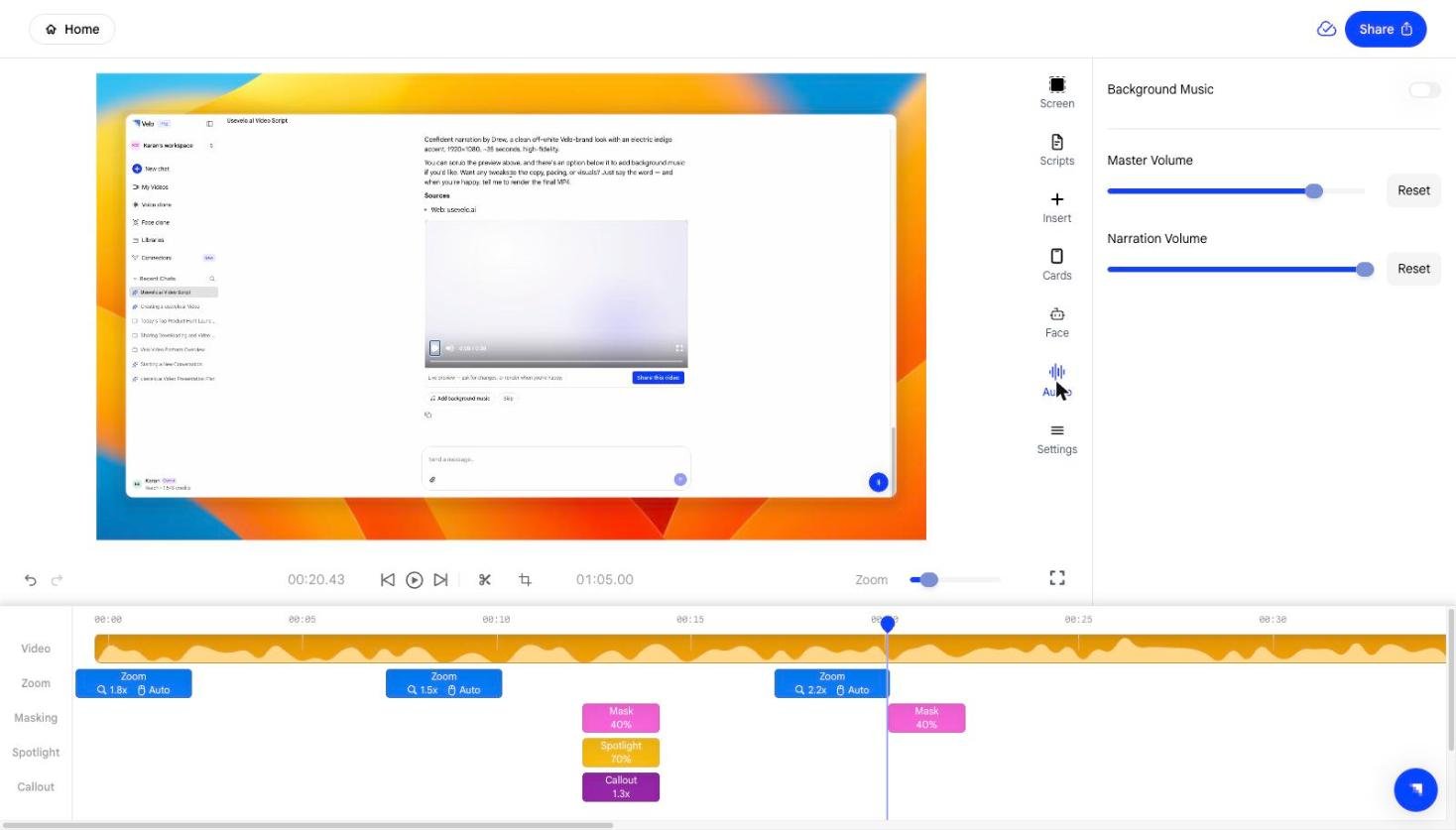
Open the Audio panel from the right sidebar. Enable the Background Music toggle to turn on background music for your video.- Velo provides a built-in library of tracks you can preview and select.
- Custom music uploads are not currently supported - you can only choose from the pre-built library.
2. Adjusting the Master Volume
The Master Volume slider controls the overall loudness of your entire project, affecting all audio layers simultaneously.- Slide right to increase the overall volume.
- Slide left to reduce it.
3. Adjusting the Narration Volume
The Narration Volume slider lets you independently control how loud your AI voice clone sounds relative to other audio in the video.- Increase it if your narration feels too quiet compared to the background music or system audio.
- Decrease it for a more subtle voiceover effect.