
1. When the Download Option Appears
Velo offers a download option in two situations:- After a successful publish - Once your Velo is rendered and published, you can download the video file in addition to sharing it via link.
- When publishing fails - If the upload step fails (for example, due to a Mux upload error), Velo falls back to a download-only state. In this case, no shareable link is generated, but you can still download the rendered video file.
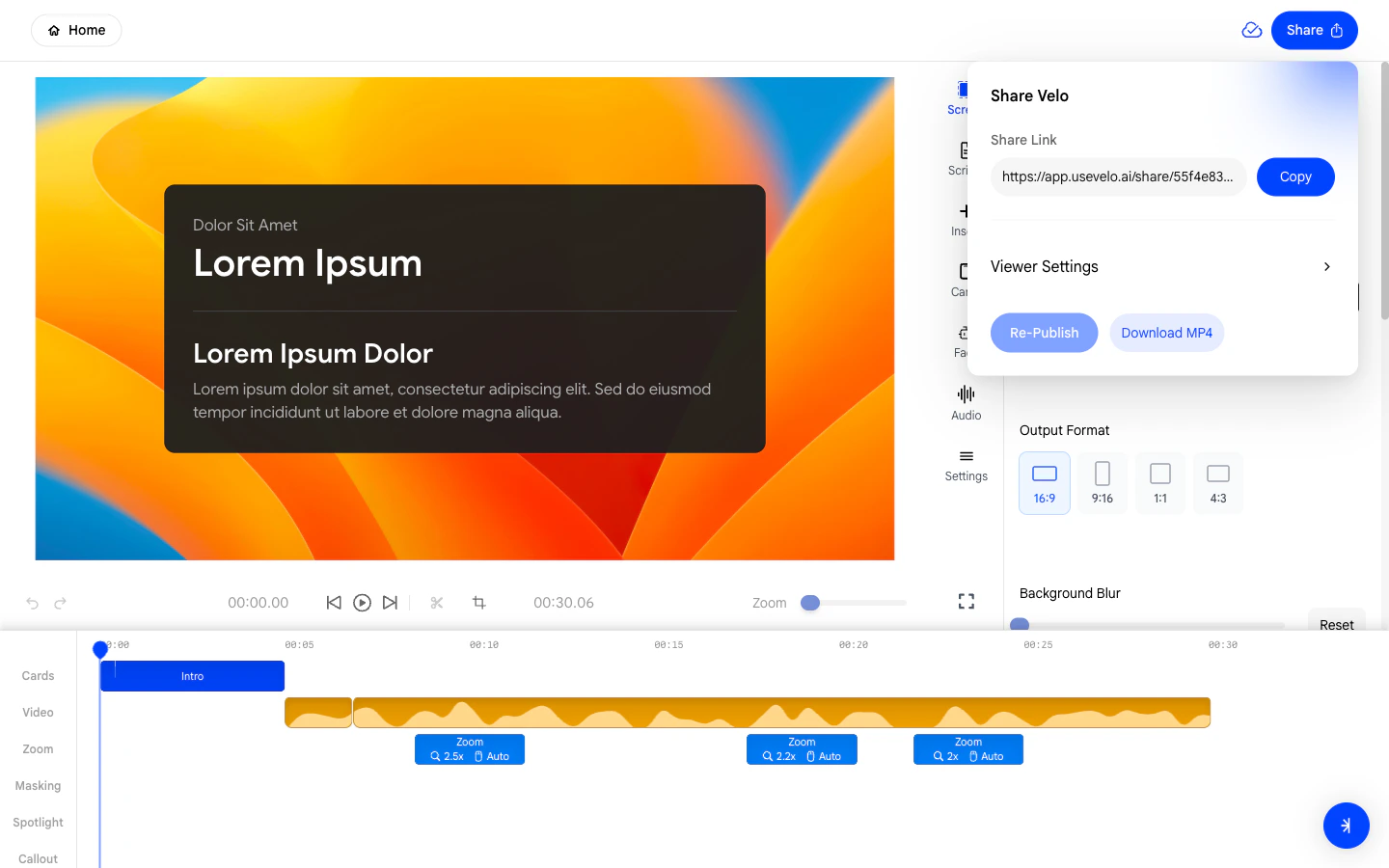
2. Downloading Your Velo
To download your video:- Click the Download button in the share panel.
- The rendered video file will be saved to your computer.
- You can then upload or share the file through any channel you prefer, such as email, Slack, Google Drive, or a video hosting platform.
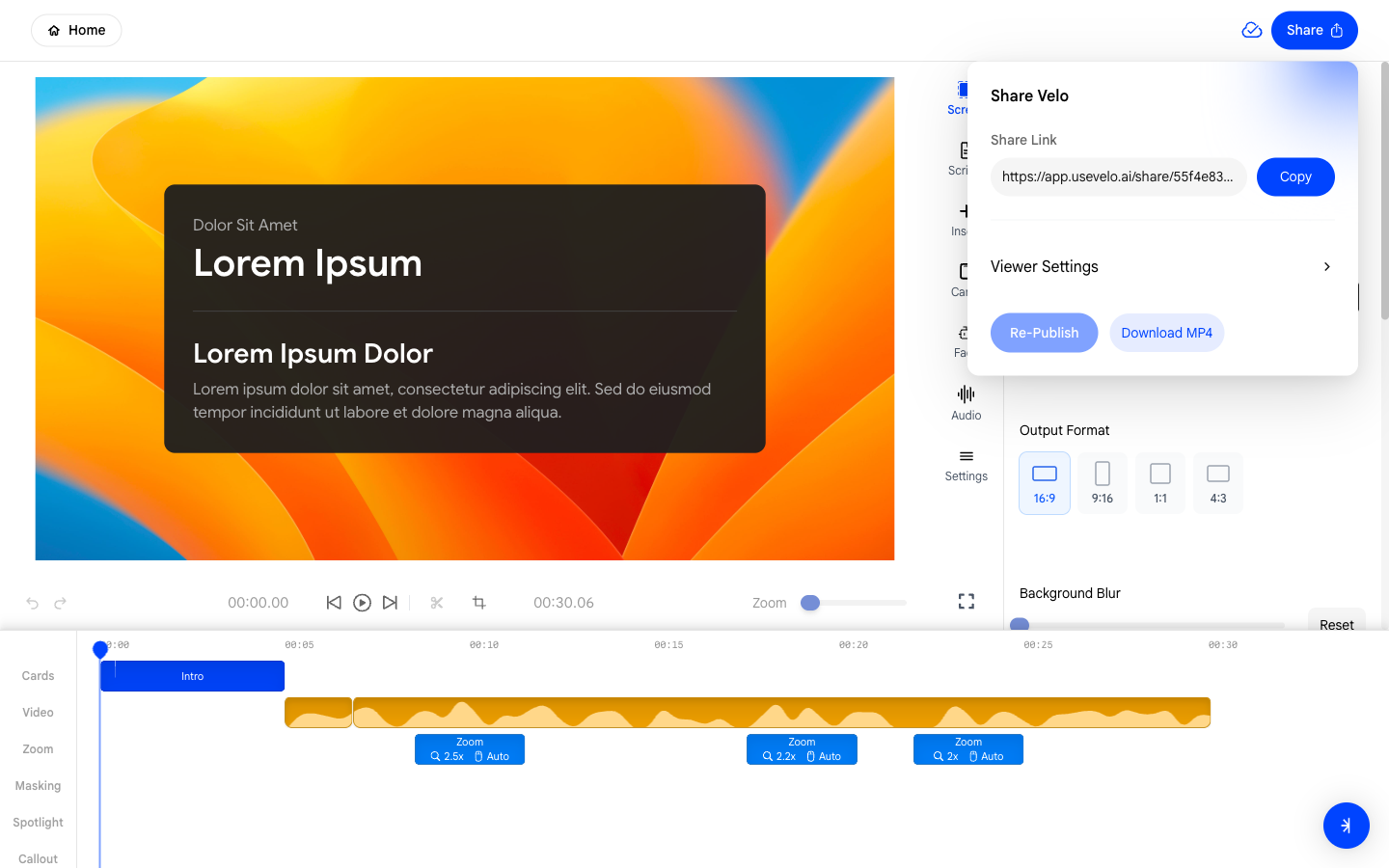
3. What to Do If Publishing Keeps Failing
If the upload consistently fails and you are only able to download:- Check your internet connection and try publishing again.
- If the issue persists, download the file and share it manually while you reach out to support.
Downloaded files are fully rendered and contain all layers of your
Velo - background, face overlay, effects, and audio - just like the
hosted version.