
How it works
Upload your files
On the dashboard click Generate a Velo, then select Upload PDFs & PNGs. Upload your files and arrange them in the order you want.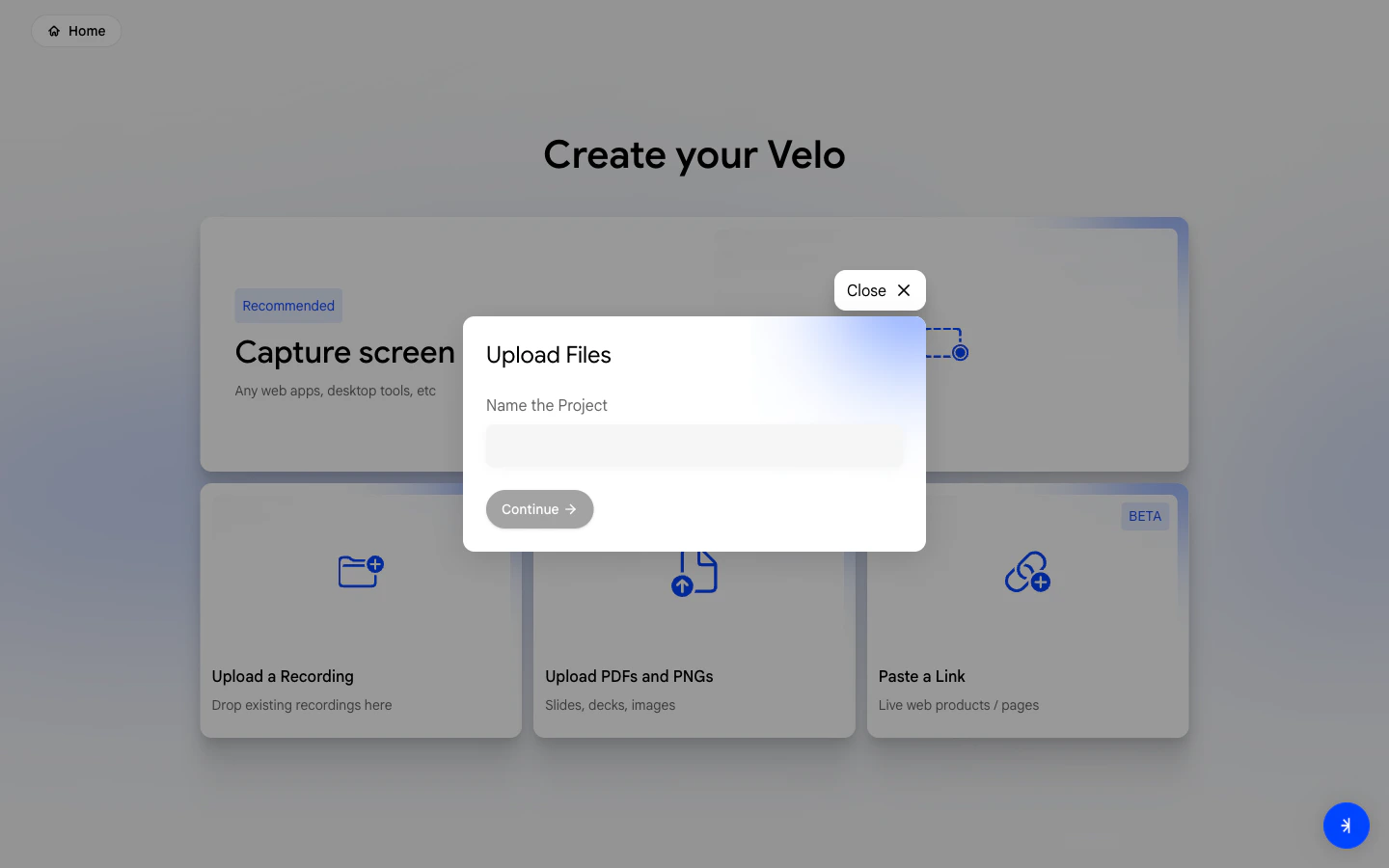
Narrate over your slides
Velo opens a canvas with your files. Walk through each slide and narrate out loud - just as you would in a live presentation.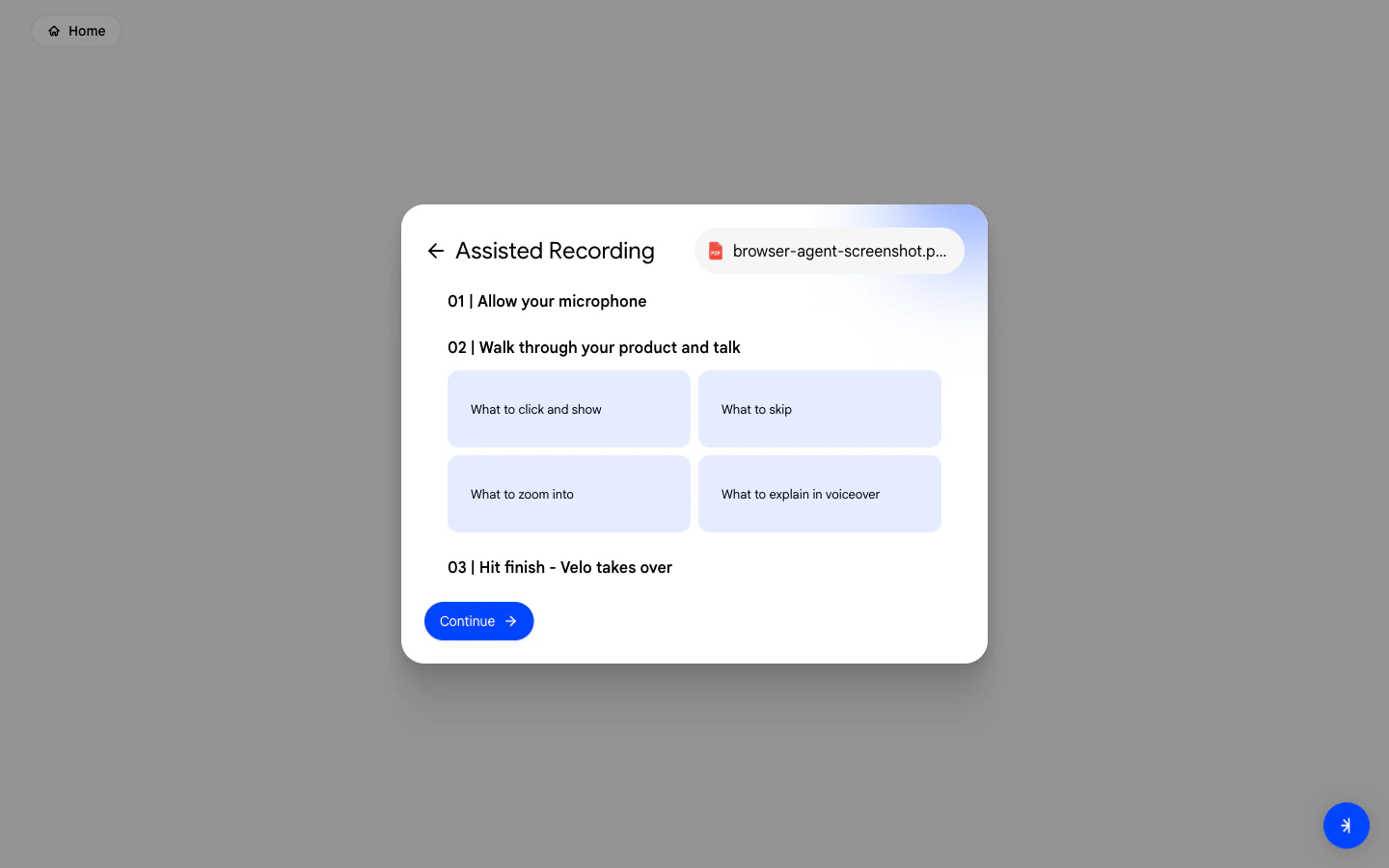
Select your voice
Choose a VeloTwin to narrate your Velo and set any additional instructions for how you want it to sound.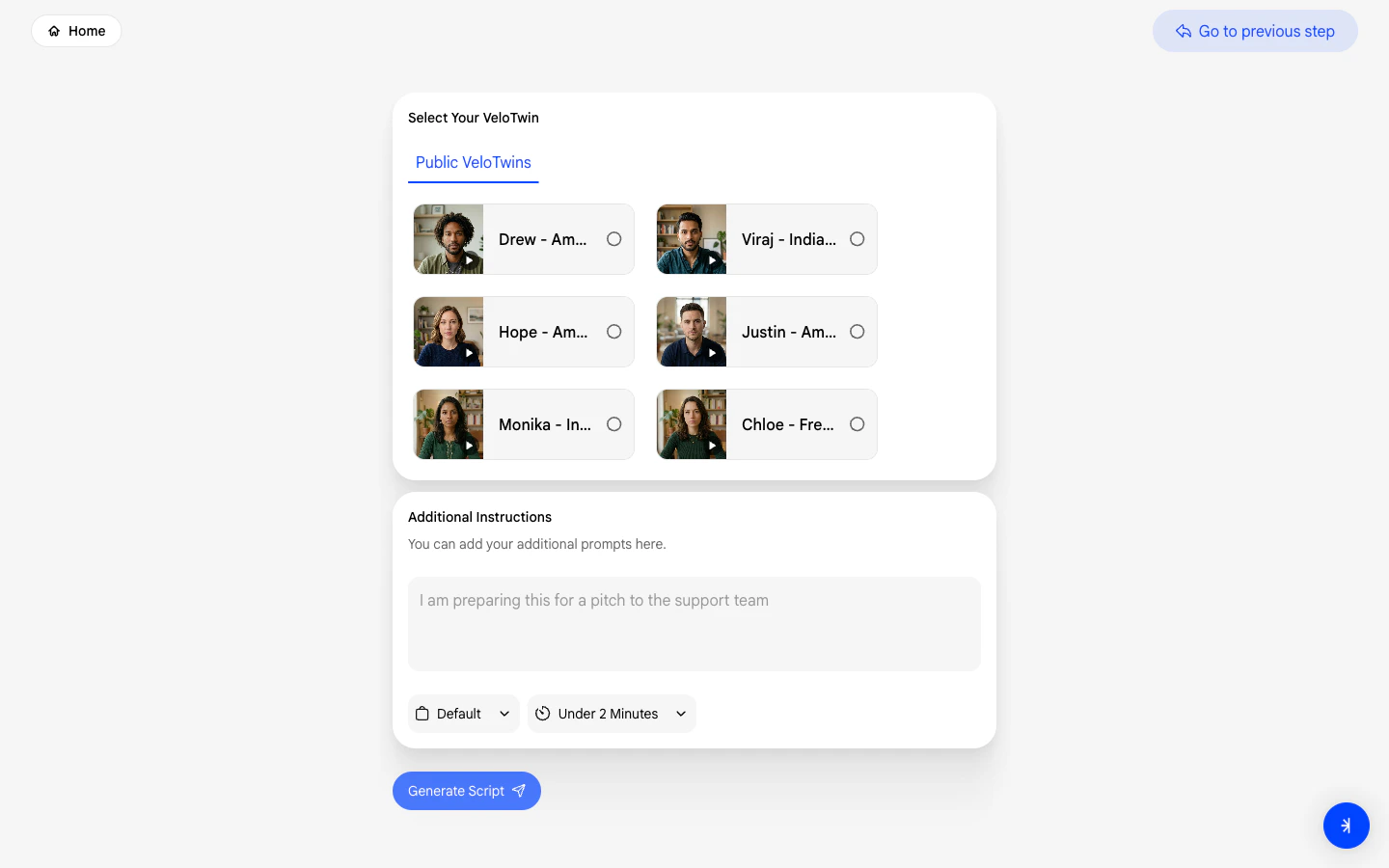
Review your script
Velo generates a script from your narration. Review each scene, make edits, and confirm when ready.
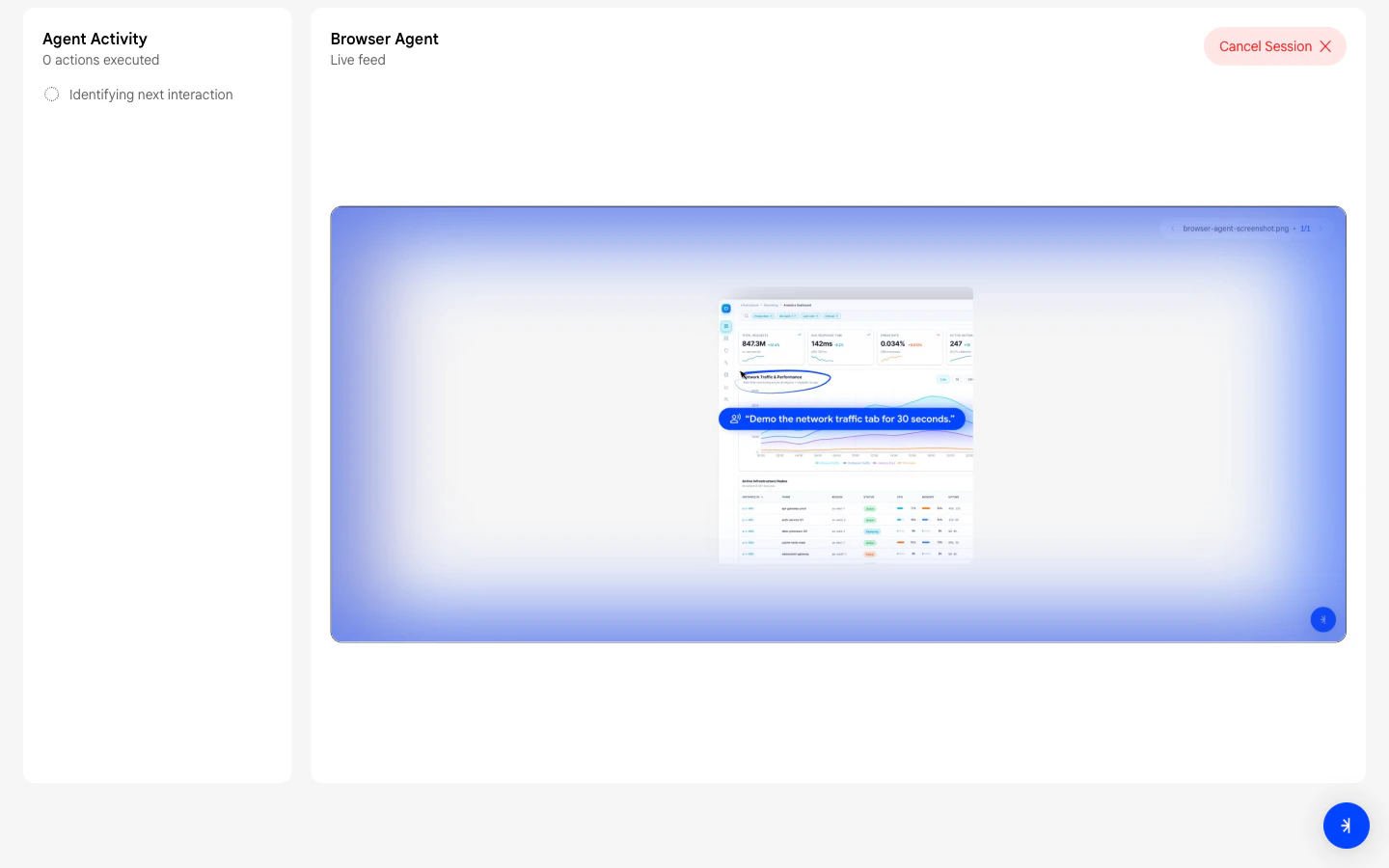
Full guide: Upload PDFs & PNGs
Read the complete step-by-step guide for this method.