Use this method when you already have a recorded video. Upload it directly - no Chrome Extension needed - and Velo will generate a narrated, awesome Velo from it. Best for: Teams who already record their screen with other tools, or have existing video footage they want to repurpose. Requires: A video file in MP4 or MOV format (max 1 GB).

How it works

1

Upload your recording

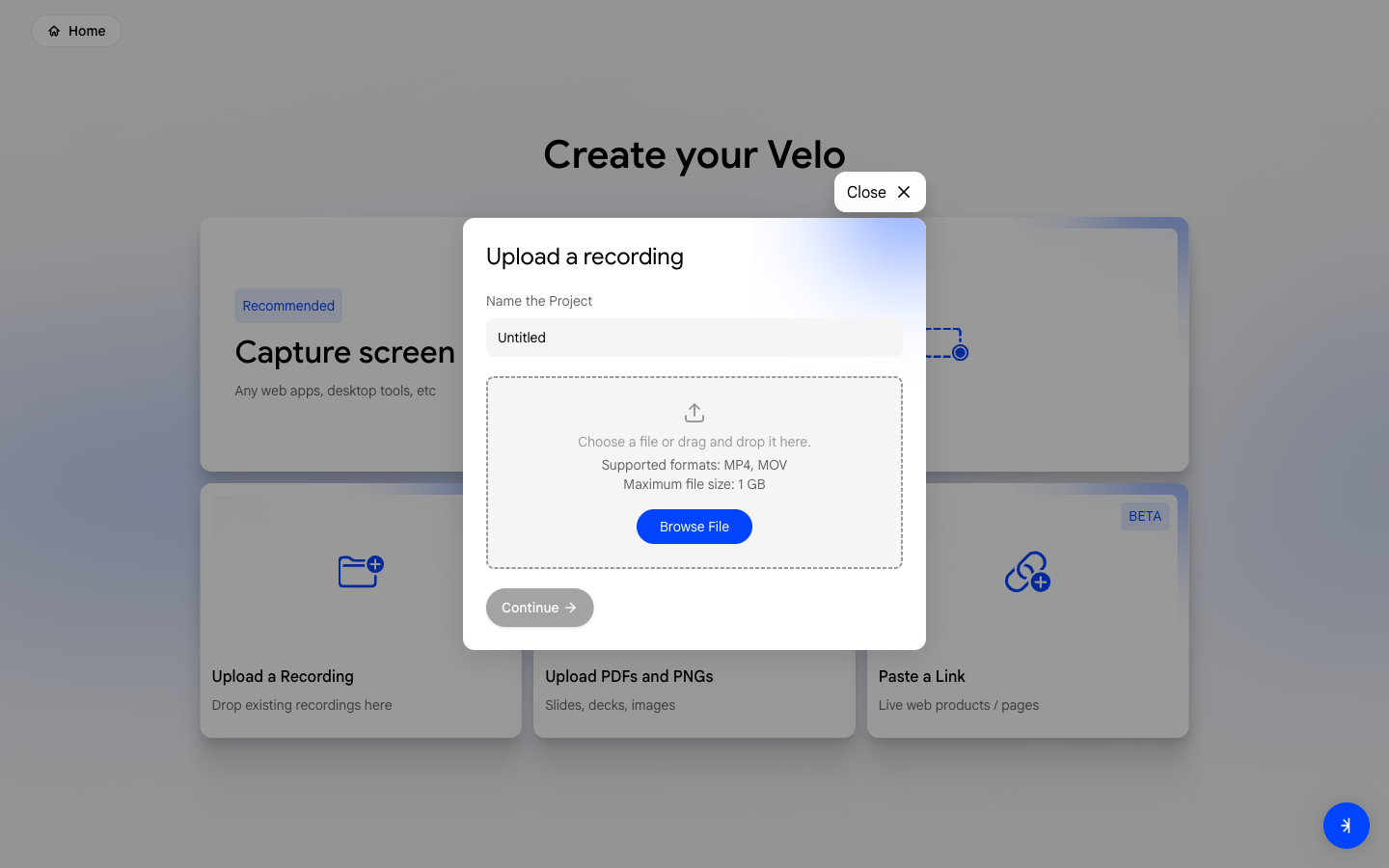
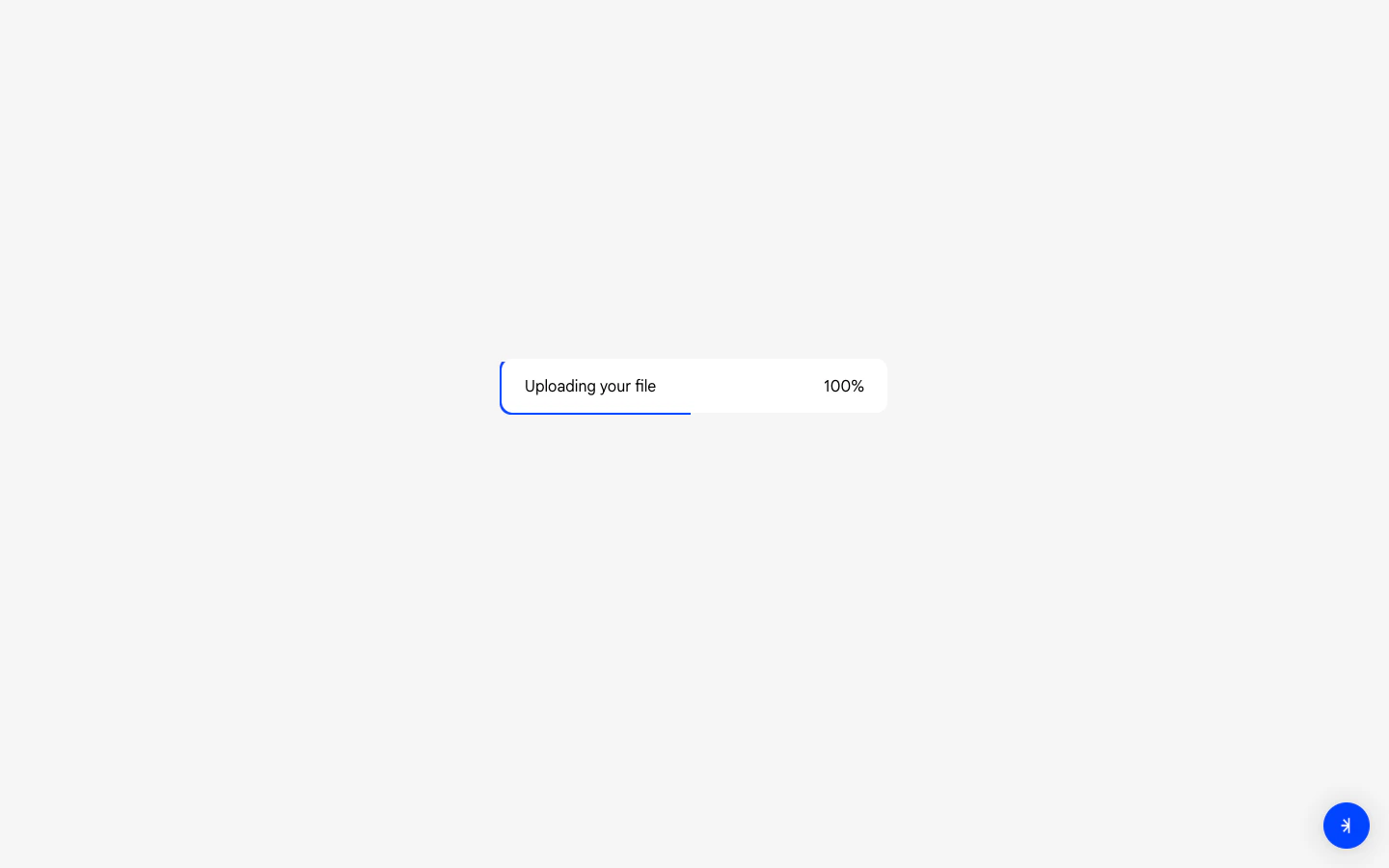
On the dashboard click Generate a Velo, then select Upload a Recording. Drag and drop your file or browse to select it.Upload recording
2

Preview your recording

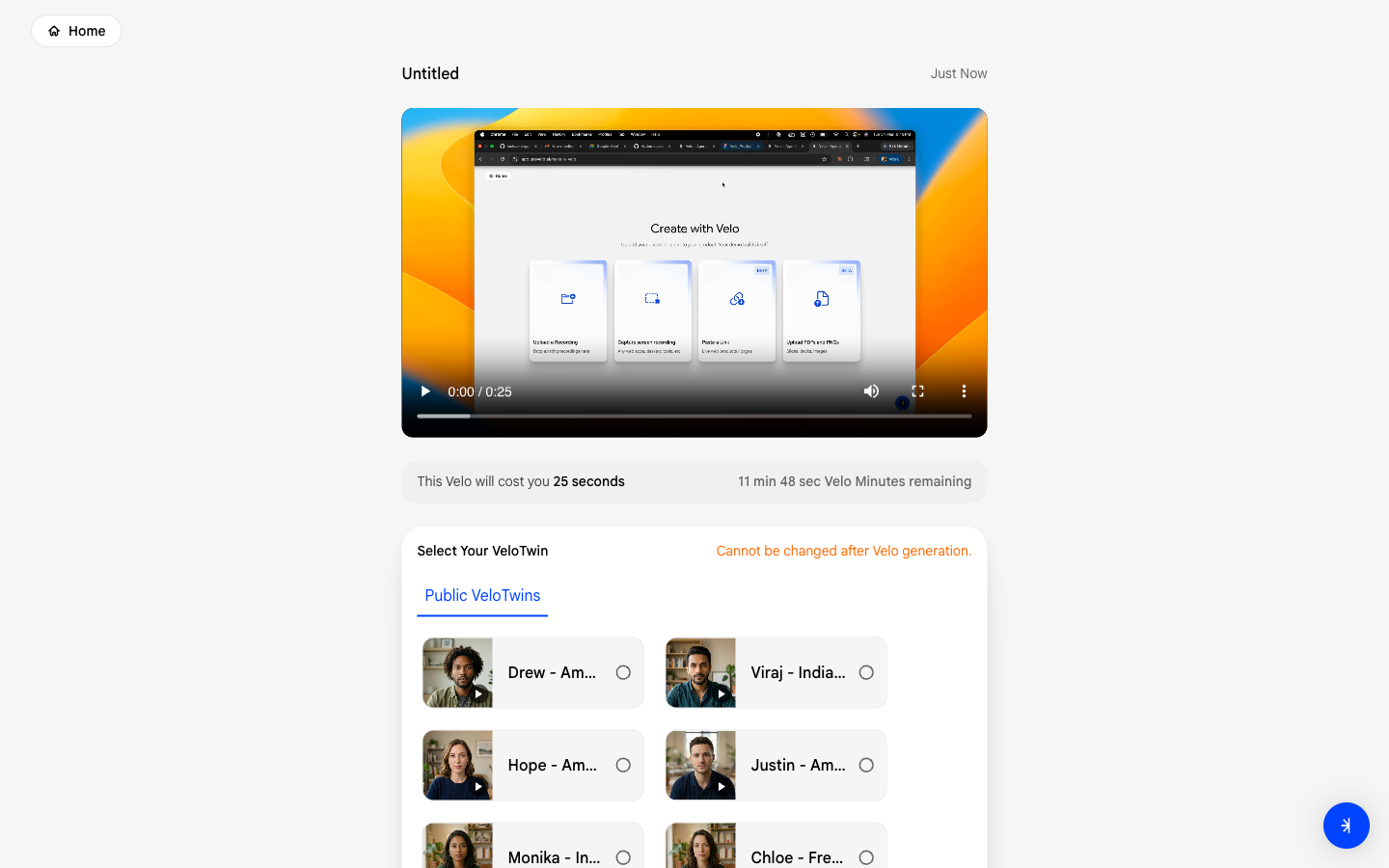
Velo processes your file and shows you a preview. If no voice is detected in the video, you’ll see a warning at this step.Preview recording
3

Select your voice

Choose a VeloTwin to narrate your Velo.Select voice
4

Review and edit your script

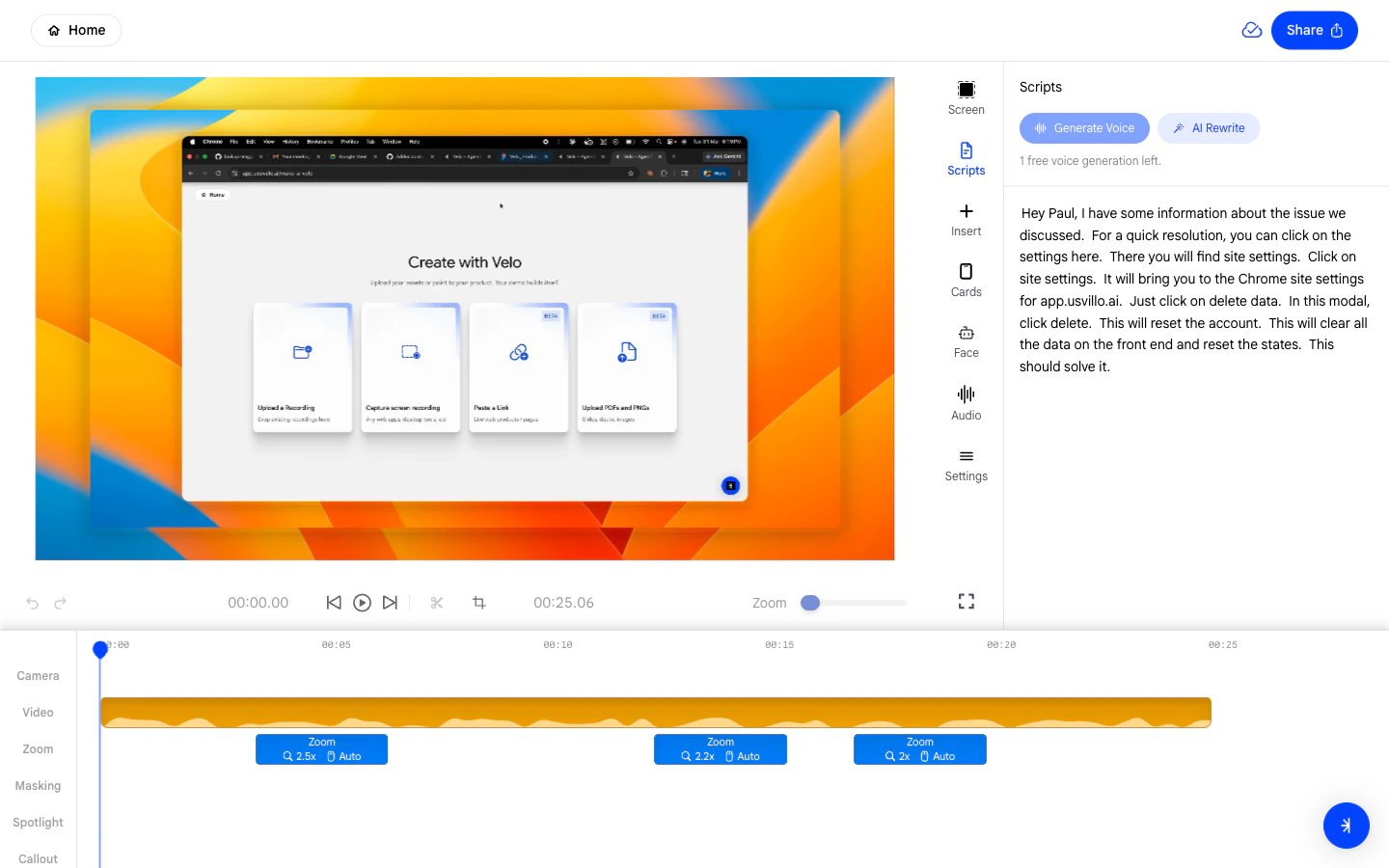
The editor opens automatically. Open the Scripts panel on the right sidebar to review the generated narration. Edit any line manually or use AI Rewrite to refine it.Script review in editor Scripts panel

Full guide: Upload a Recording

Read the complete step-by-step guide for this method.