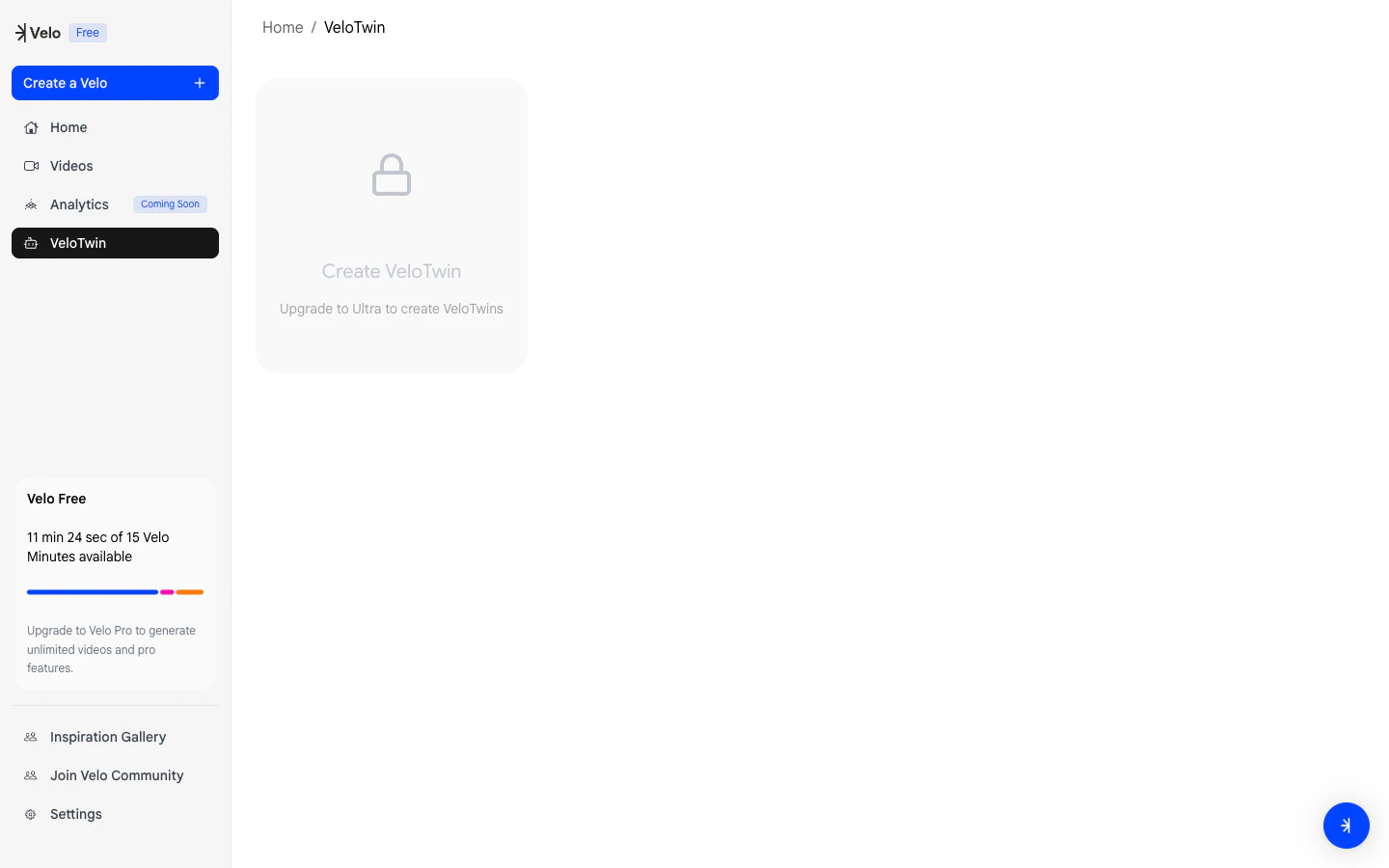
1. Capture Your Face
Velo generates your avatar from a single photo.- Setup
Look directly into your camera and center your face in the frame.
- Capture
Follow the 3-second countdown to take your photo.
- Background Selection
You’ve option to keep the current background or change your background.
- Finalize
Review the preview and click Continue to save your digital likeness. Velo will automatically handle natural non-verbal cues like blinking and nodding.
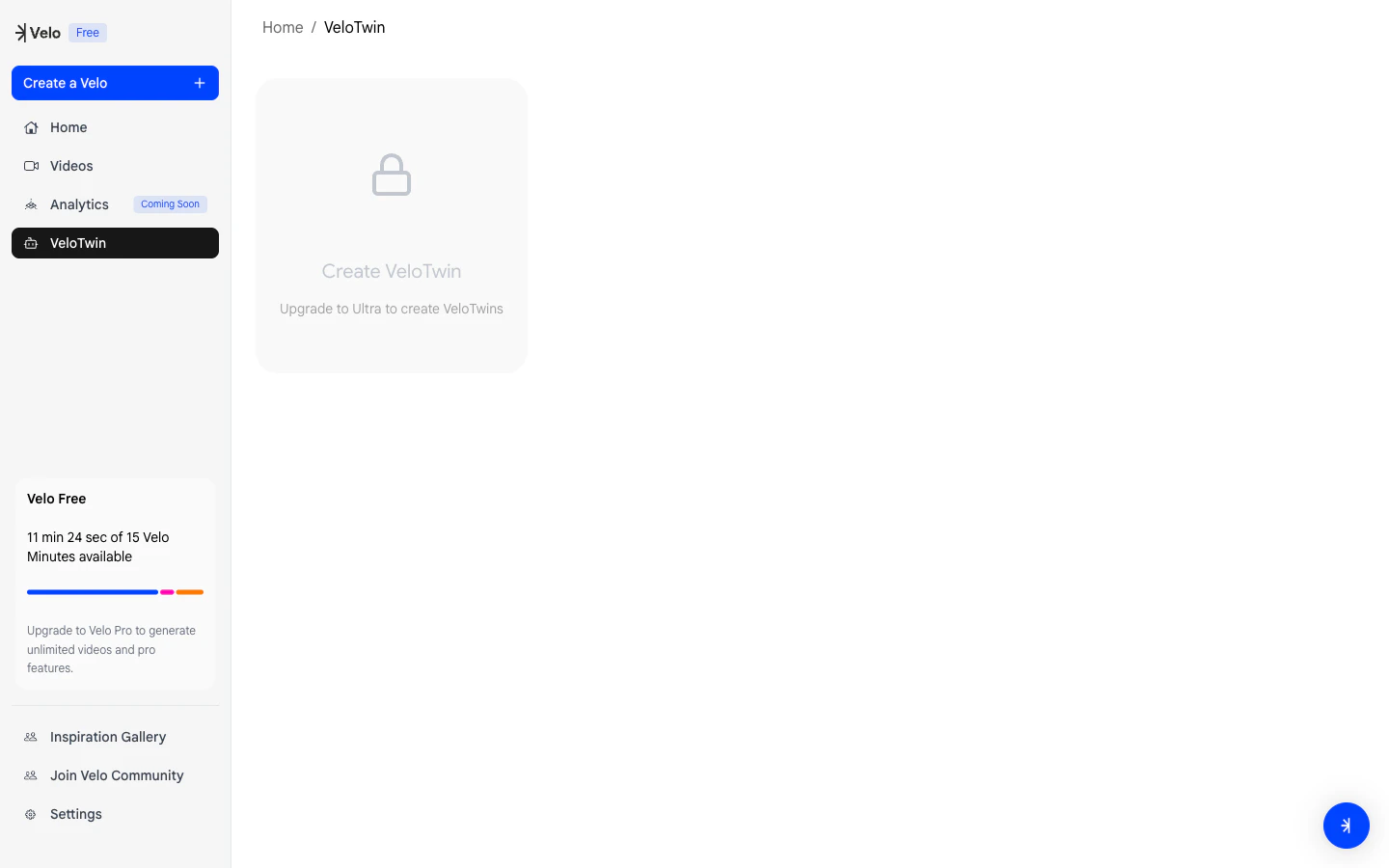
2. Clone Your Voice
Velo captures your natural tonality to create a clone of your audio.- Record
Read the training script naturally and expressively.
- Environment
Use your primary microphone in a quiet space for the best quality.
- Finish
Click Finish Recording once you are done to save your audio clone (After recording, the system will assess the input quality. If the audio is usable, you can proceed to the next step. If not, you will be prompted to retake the recording and the system will display specific feedback to help you be more careful next time.)
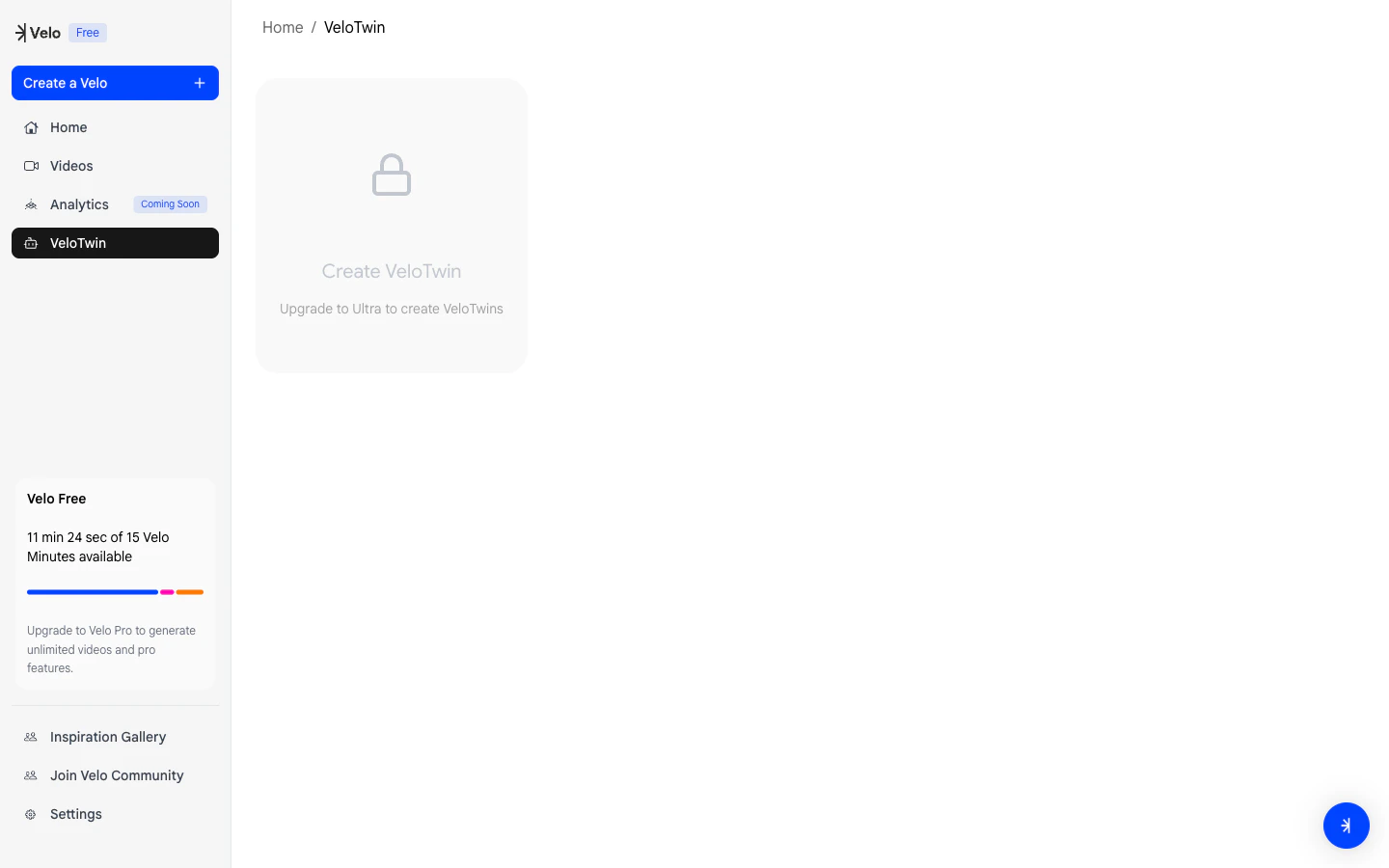
3. Generating Your Twin
Once your photo and voice are submitted, Velo begins the synthesis to generate your VeloTwin.Your Twin is now saved to your account and can be used to narrate any future project instantly.