
This method is rate-limited based on your plan. Check your plan limits before getting started.
How it works
Paste your link
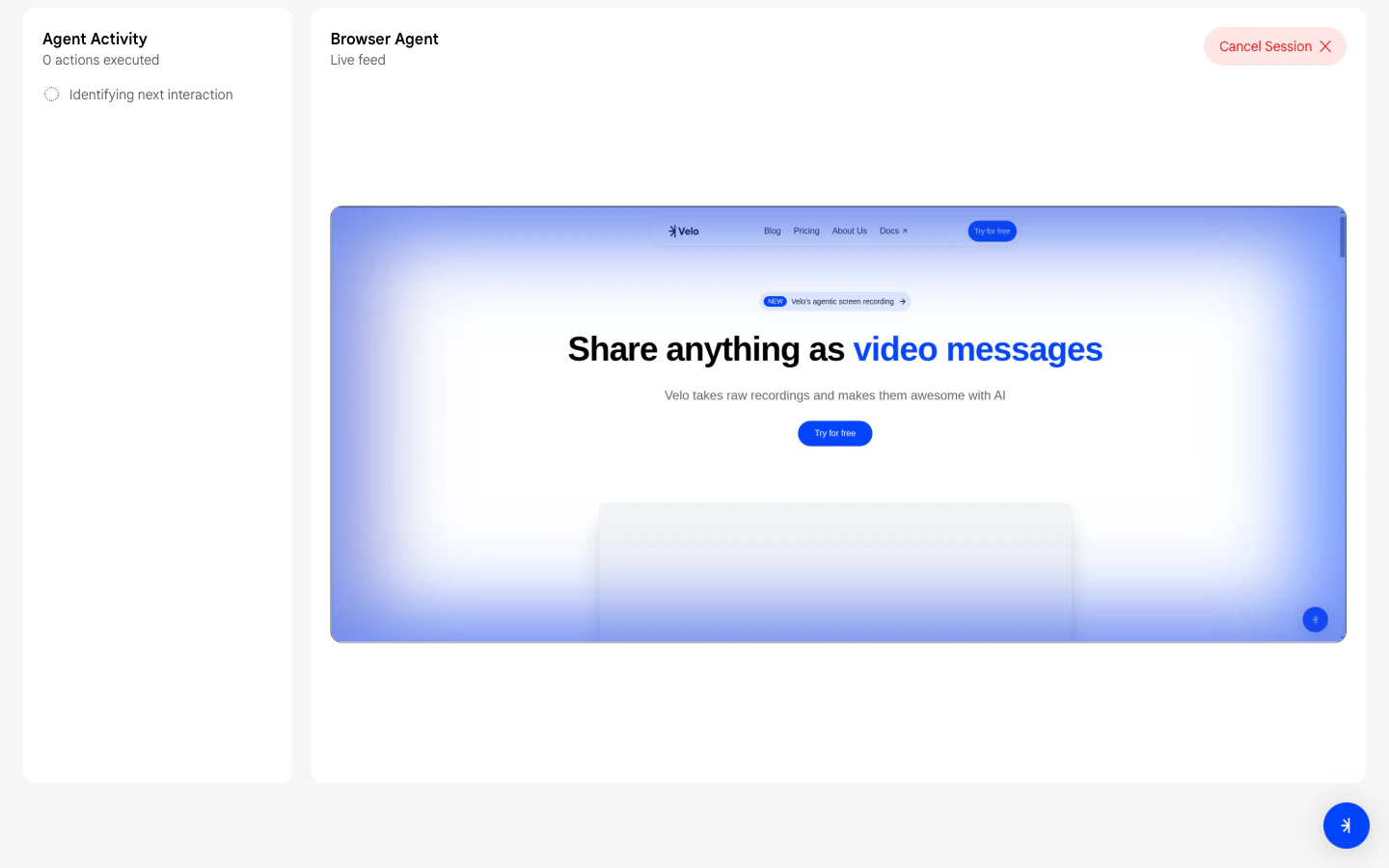
On the dashboard click Generate a Velo, then select Paste a Link. Enter your project name and the URL you want to showcase.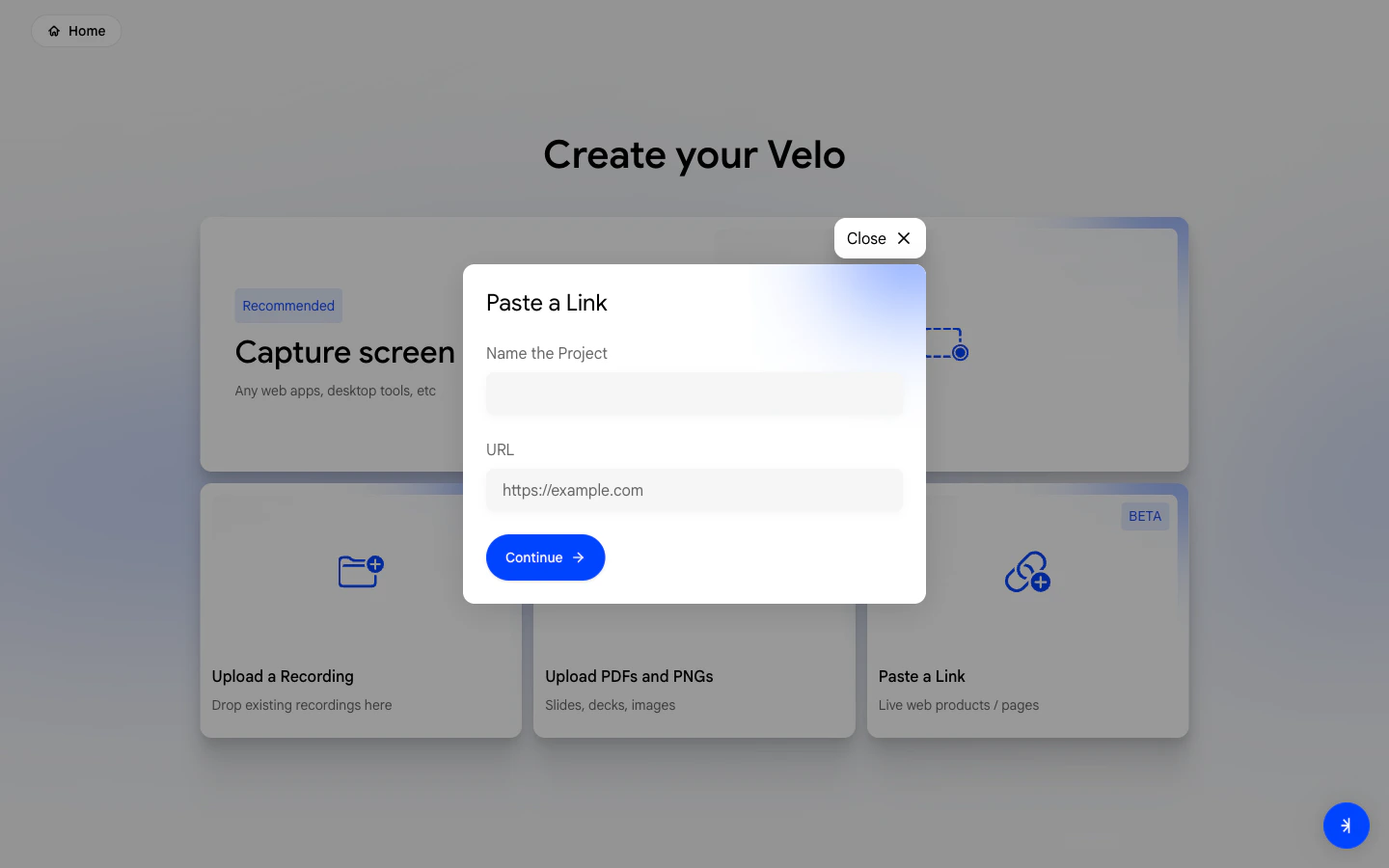
Narrate your product
Velo opens the URL in a new tab. Walk through your product naturally and narrate what you’re showing - just talk as if explaining it to a colleague.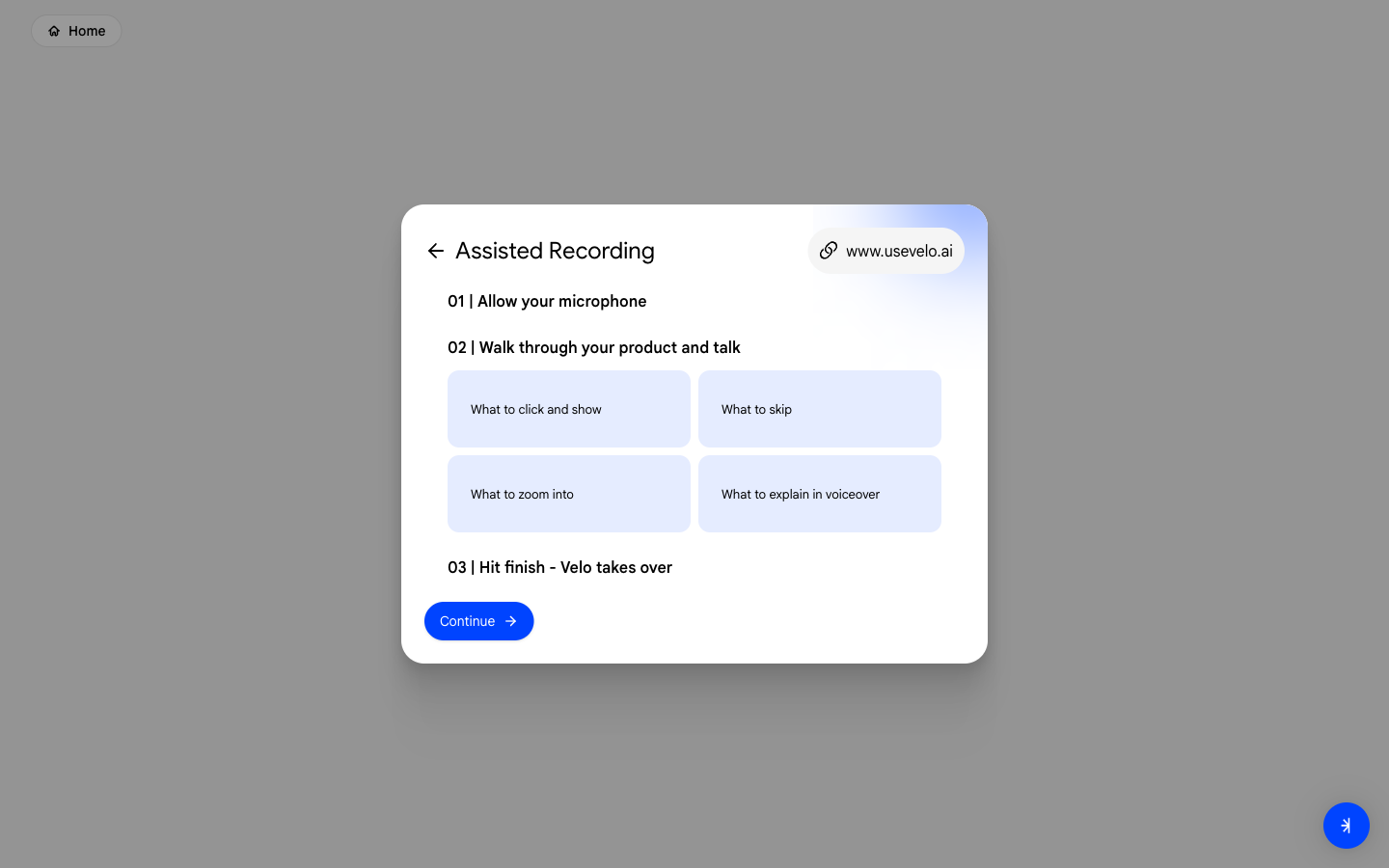
Select your voice
Choose a VeloTwin to narrate your Velo and set any additional instructions for tone or style.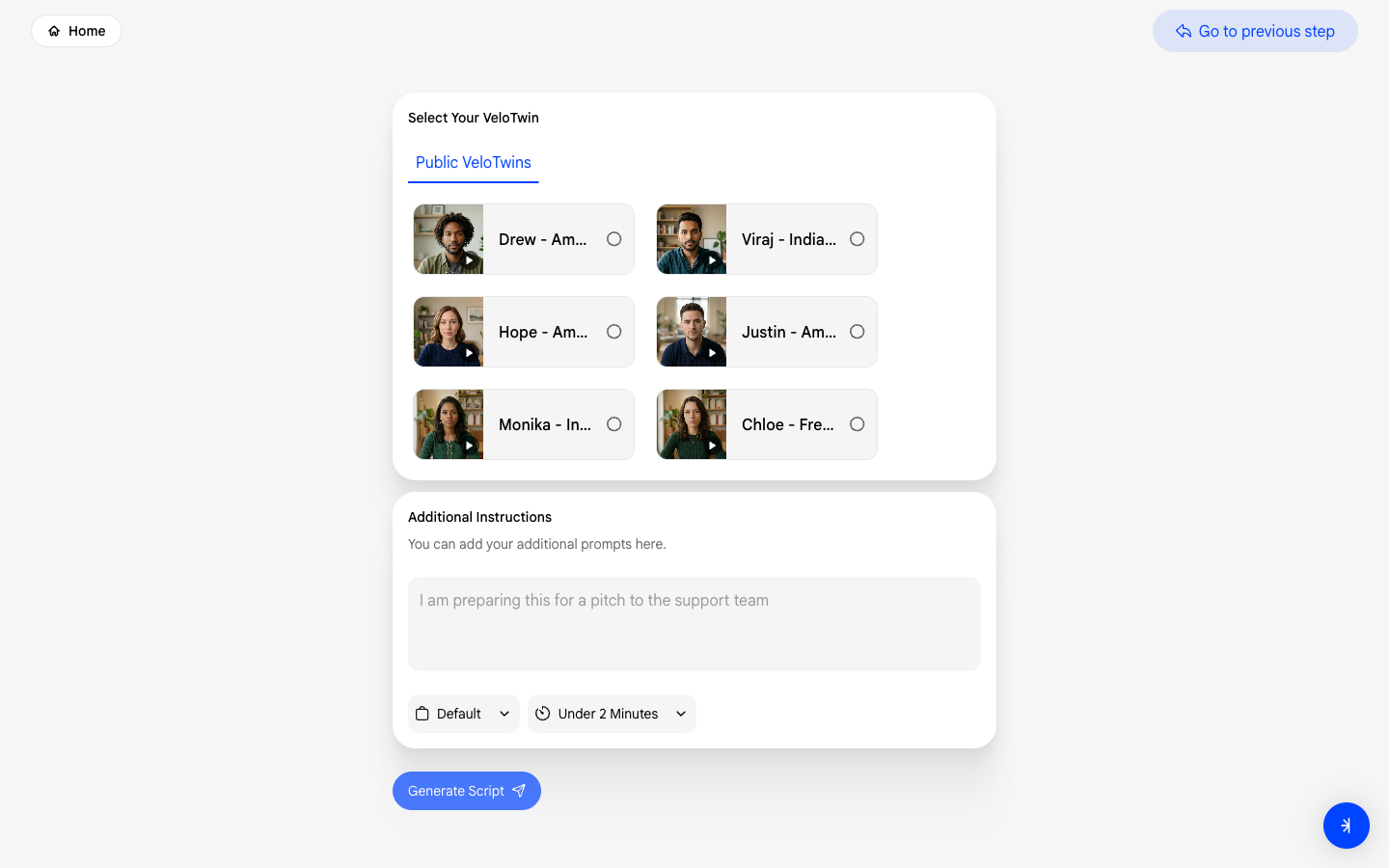
Review your script
Velo generates a script from your narration. Review each scene, make edits, and confirm when ready.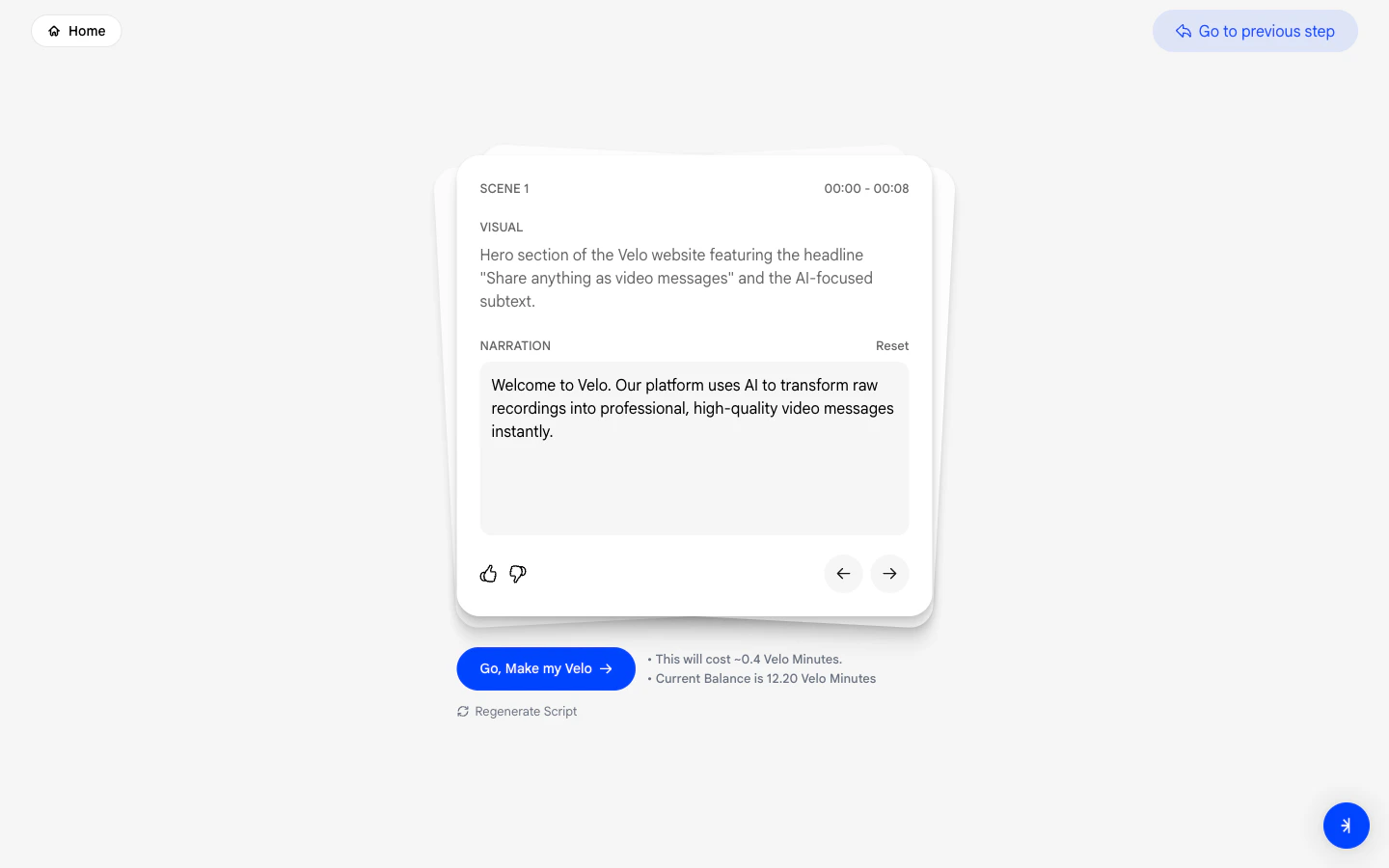
Full guide: Paste a Link
Read the complete step-by-step guide for this method.