
Navigating to the Script Editor
Step 1: Open the project in the editor interface. Step 2: Click the Scripts icon in the right-hand menu, located between Screen and Insert.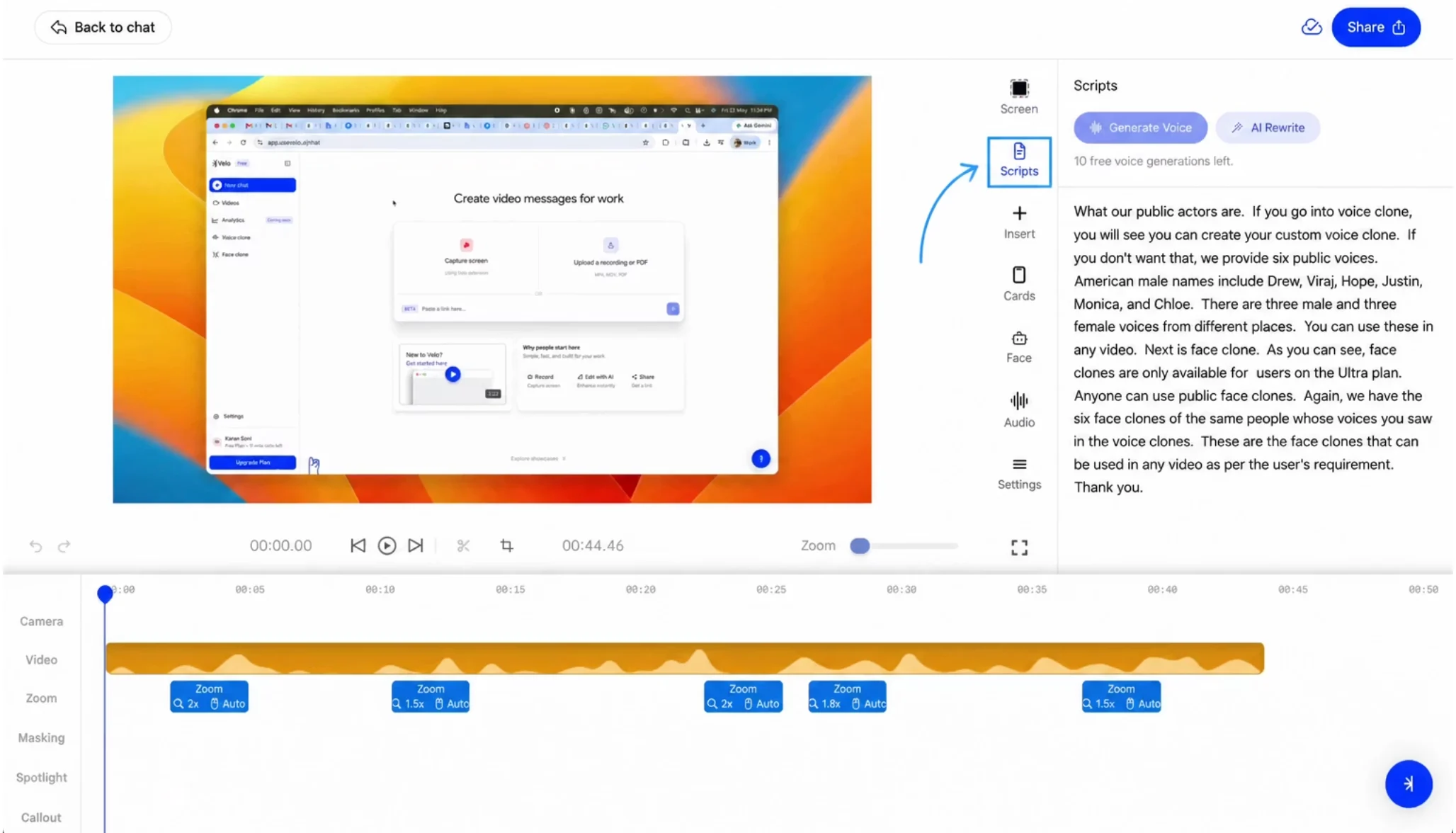
Check your transcribed script in the editor to catch errors before proceeding with voice generation.