- Review the Scene Cards:
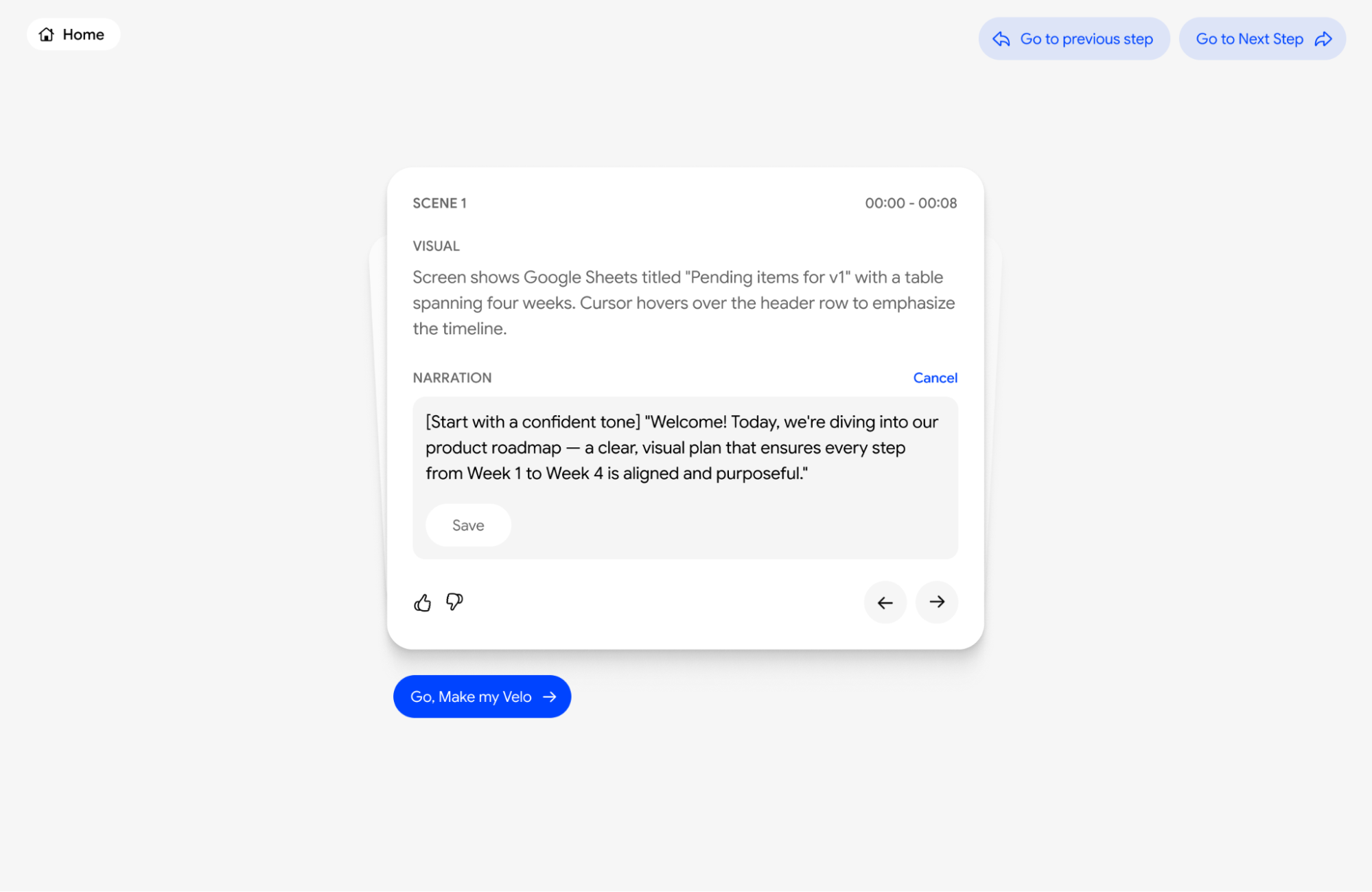
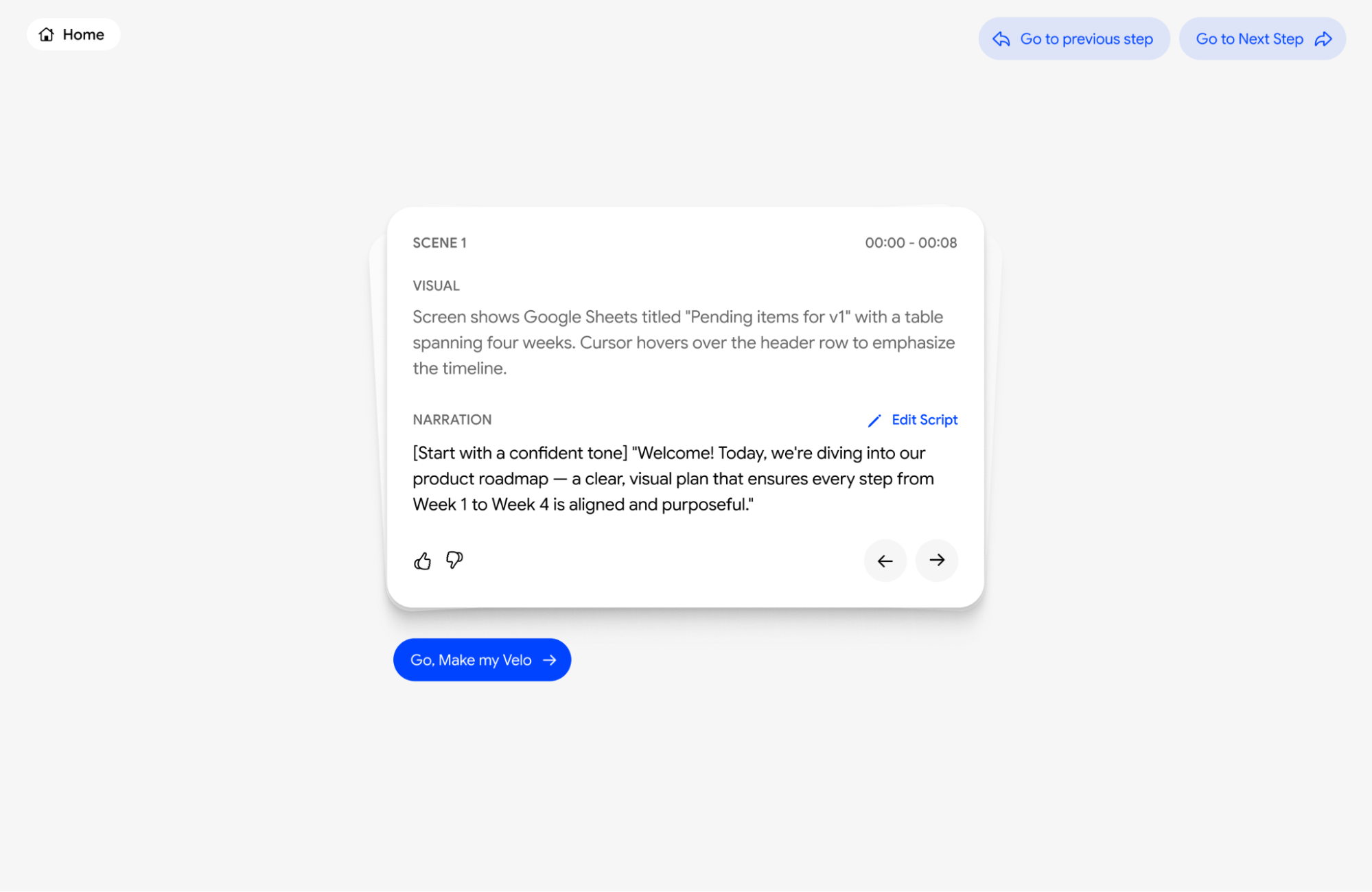
Your walkthrough is broken down into small, manageable scenes. Each card shows the scene number, the exact timestamp (for example, 00:00—00:15), the visual action, and the script.
- Direct Ending:
You can start typing right in the narration box whenever you want to make a change. There’s no need to hunt for an “Edit” button, the boxes are already open and ready for your updates. If you don’t like your changes, just hit the Reset button to go back to the original AI-generated script instantly.