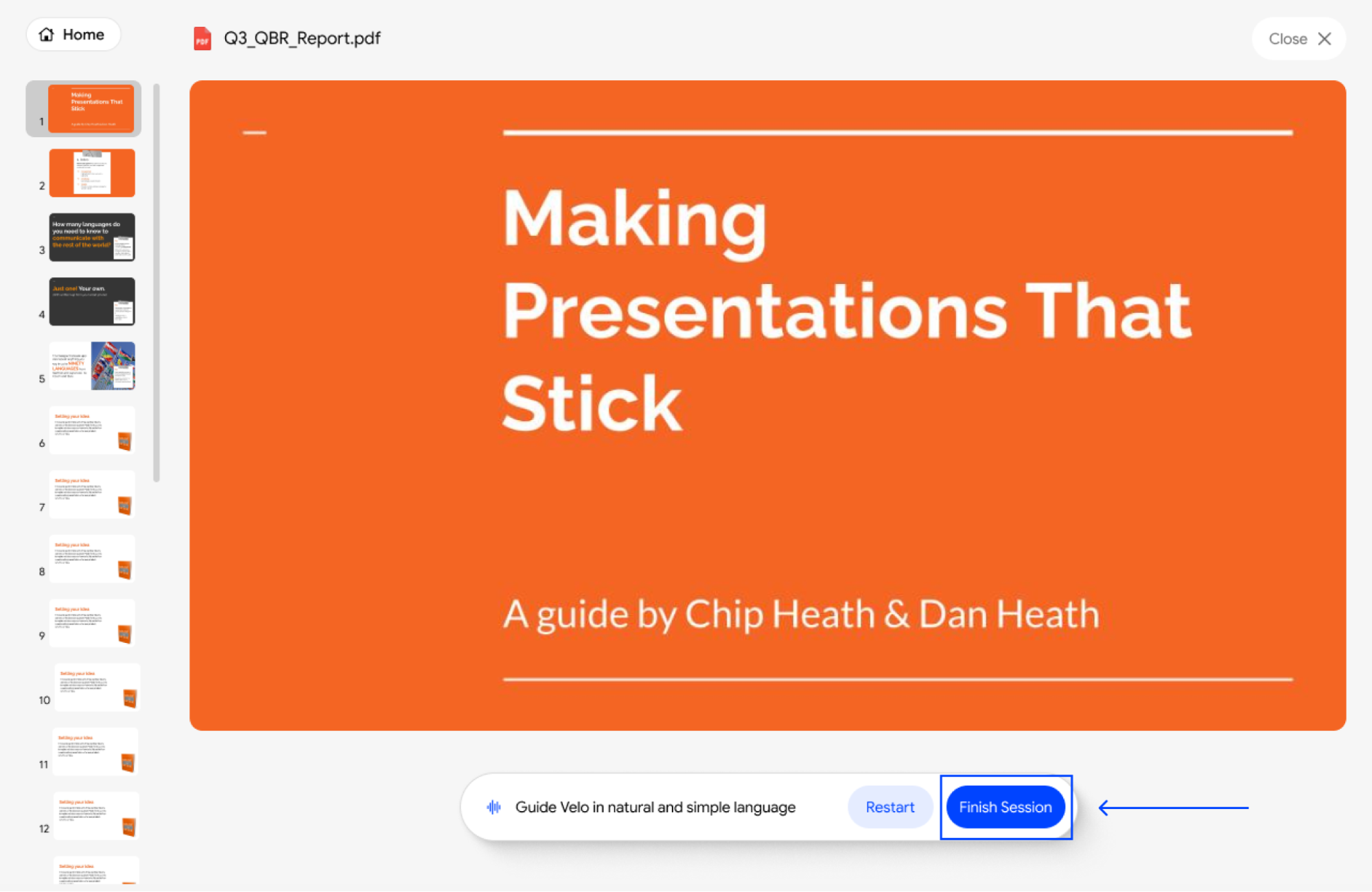
1. Start the Session
Once you have your URL or file open, click the Start Session button at the bottom of your screen to begin.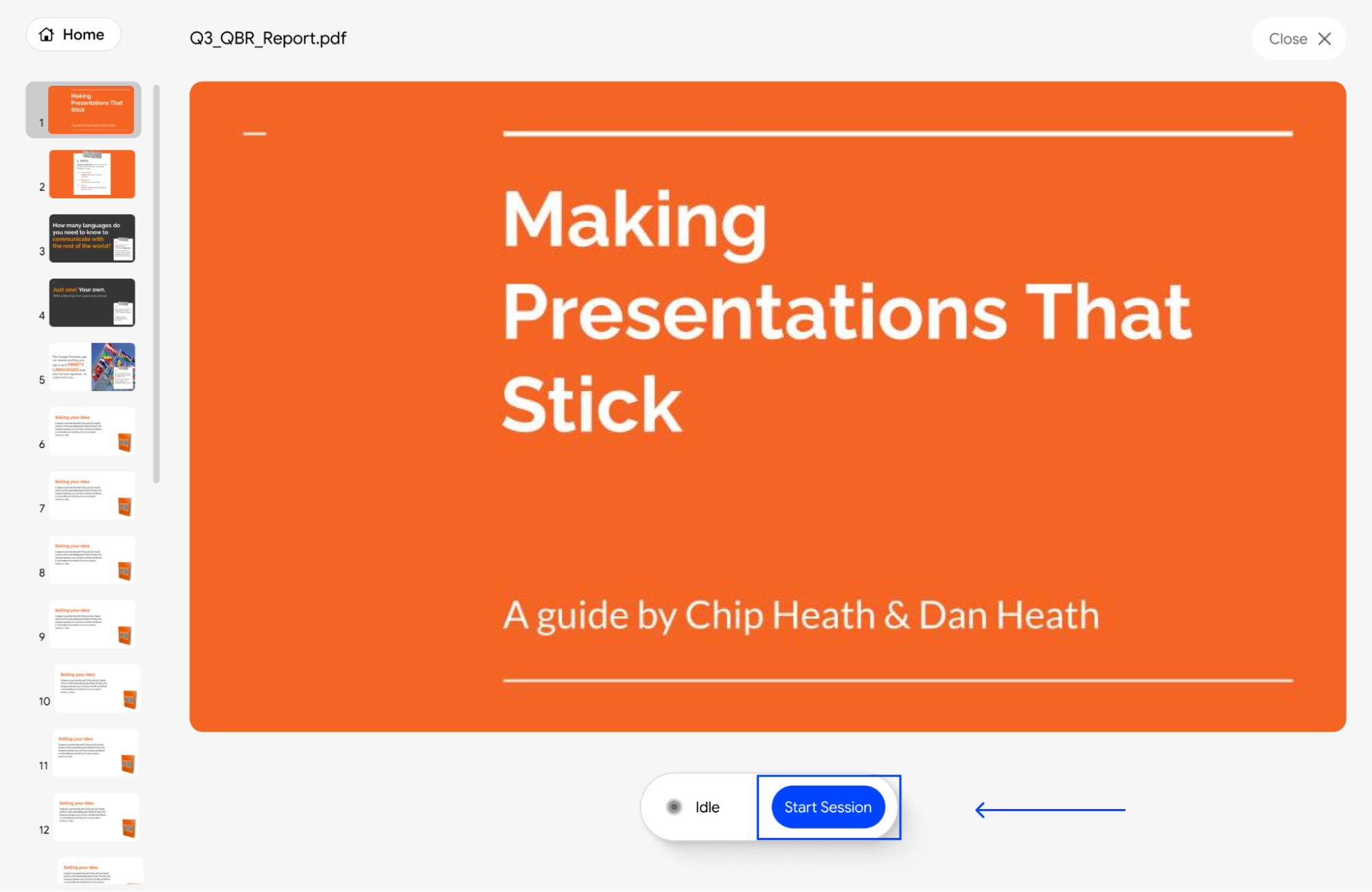
2. Guide the Tool
Explain what is happening on screen in your own words as you move through the product.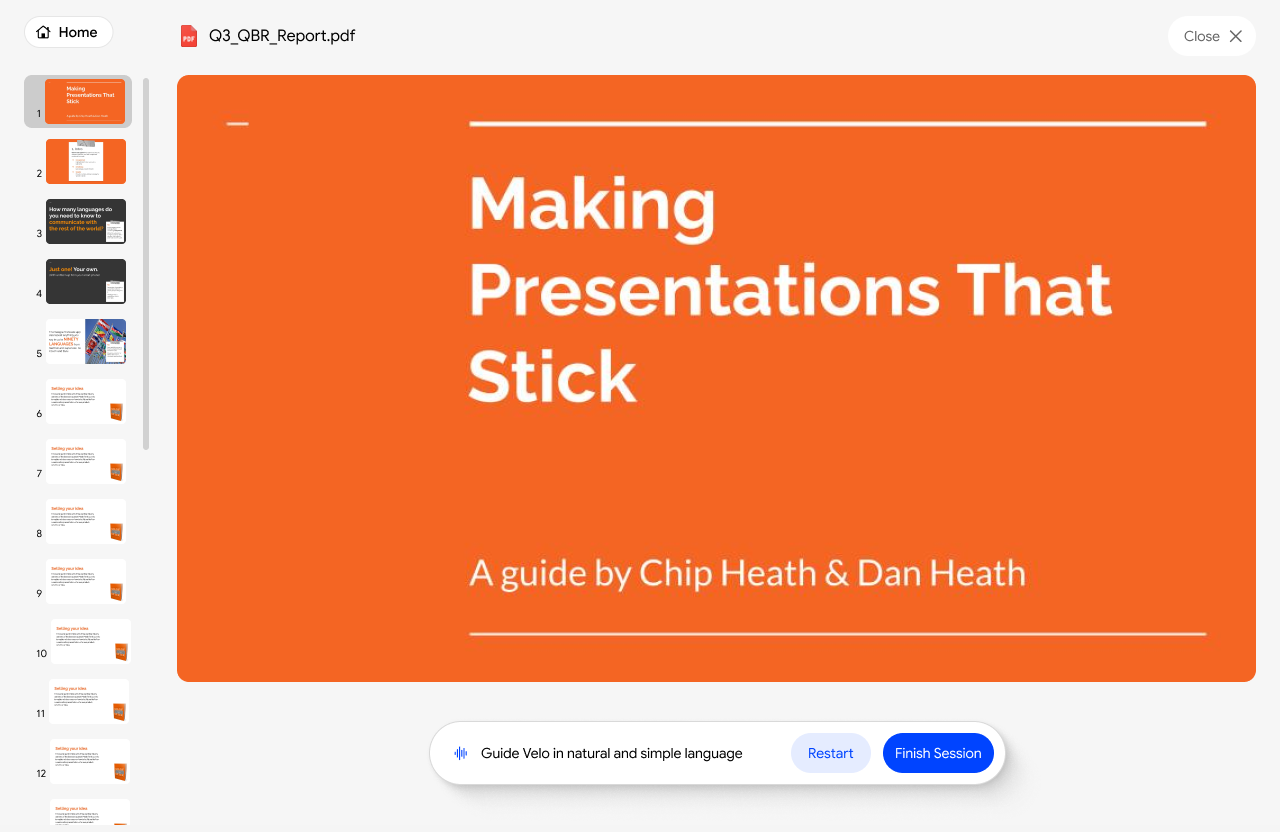
3. Fix Mistakes on the Fly
If you stumble or want to re-explain a step, click Restart to clear your current audio and try the complete assisted recording again. (Note: Using Restart will not allow you to re-record just one section.)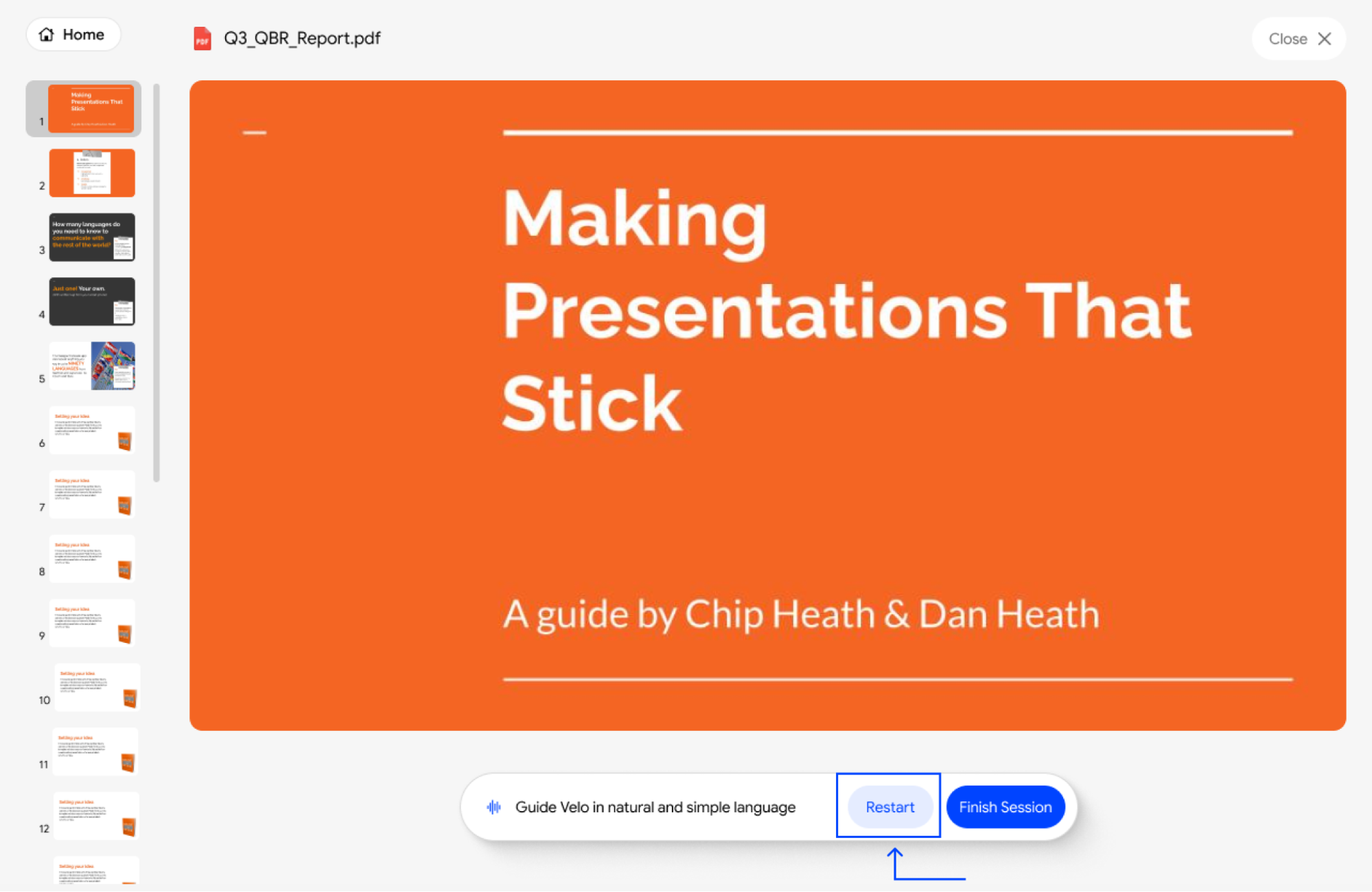
4. Finish and Process
Click Finish Session when you’re done with assisted recording to let the tool generate your draft script.